
Download Local Models
Find, download, and use a local model in LM Studio Bionic.
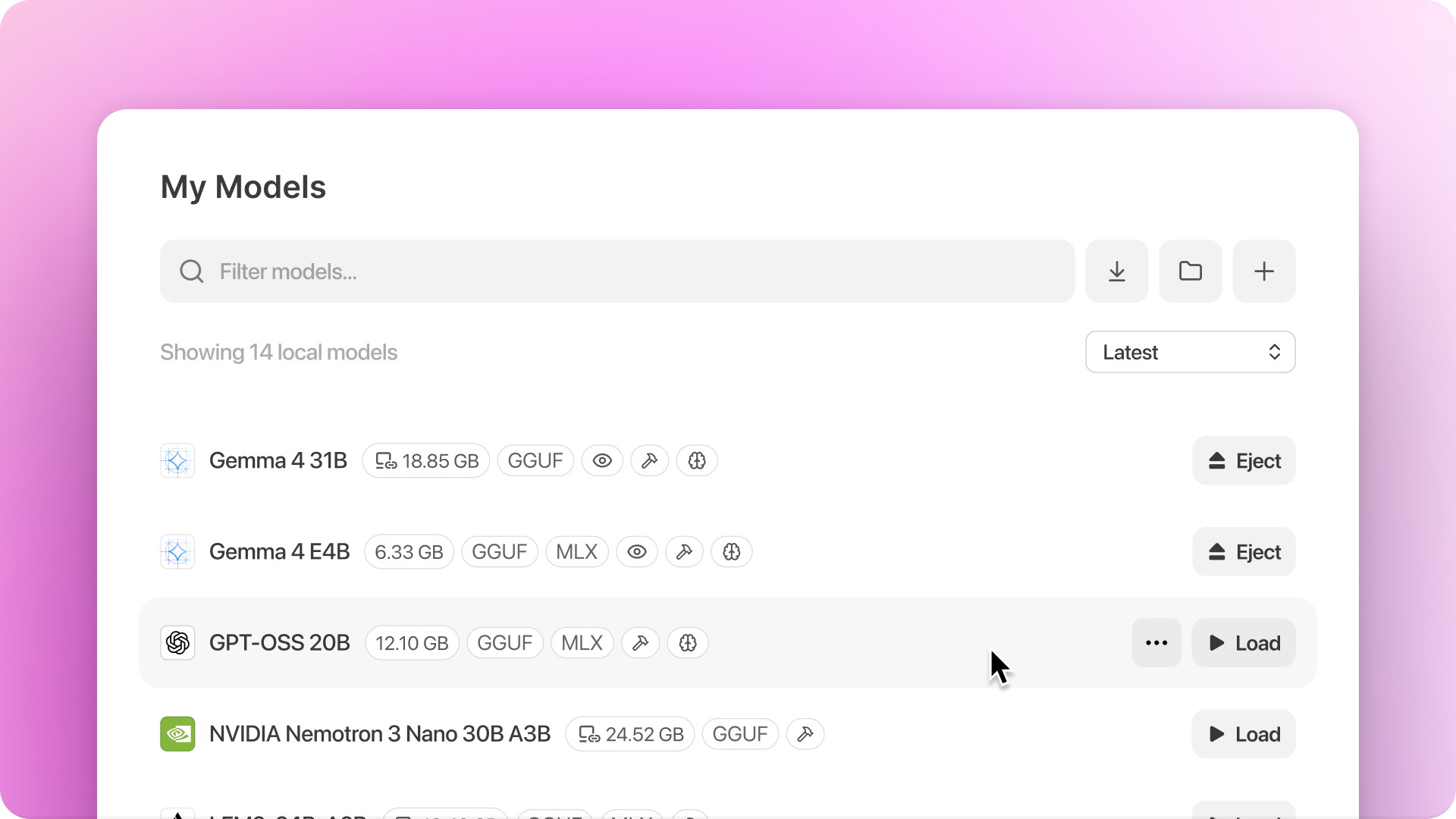
Downloaded models can run on your computer without using cloud inference credits.
Find a model
- Open Settings.
- Under Local Models, select Explore.
- Search for a model or choose one of the listed models.
Use the format filters and device-fit information to narrow the results.
Download the model
- Choose the download destination if more than one device is available (remote devices in LM Link).
- Select the format and variant.
- Start the download.
You can pause, resume, cancel, or retry a download.
Use the downloaded model
Open Settings → Local Models → Library to see indexed models on the device. Then open a Bionic session and select the model from the list to use it in a session.