Run (your largest) local models from your iPhone
We're excited to introduce LM Link on iPhone and iPad, alongside the official introduction of Locally as the LM Studio mobile app.
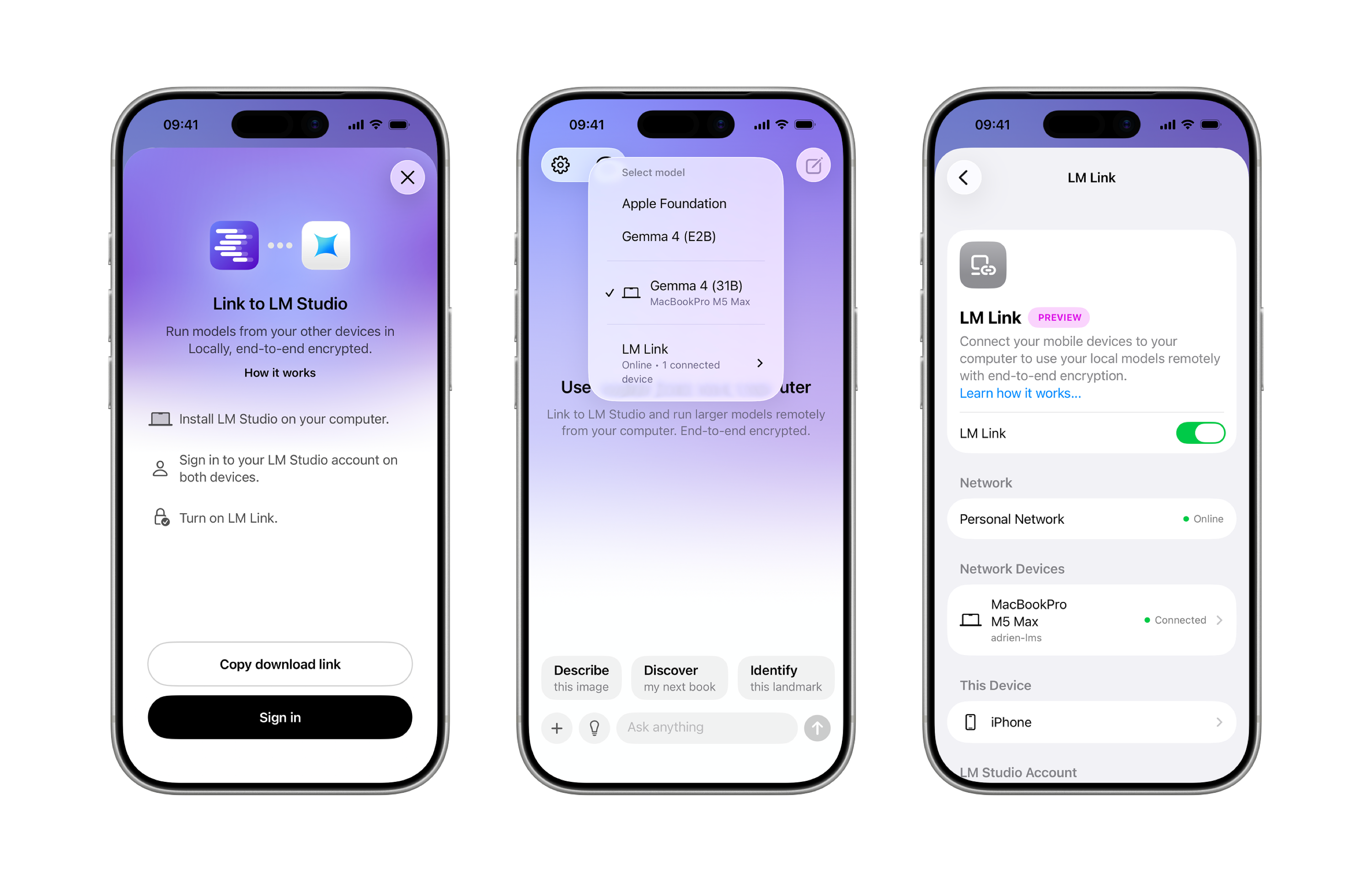
Earlier this year we announced our acquisition of the Locally app. Since then we've been hard at work to integrate Locally with LM Studio with the goal of adding a mobile surface for using your AI models on the go. Today we're releasing the first version of LM Link on iPhone, allowing you to use your largest models anywhere you are.
LM Link is a feature in LM Studio that lets you securely connect your devices and use your local models remotely. All data and communication between devices is end-to-end encrypted. All your chats are saved locally to your devices.
Using frontier intelligence on your hardware at home and at work is becoming increasingly practical. But you're not always by your largest machine. Wouldn't it be so great if you could use your largest local models on the go? Now with LM Link in the Locally app you can do exactly that.
Getting Started
- If you don't yet have LM Studio, download it here
- Make sure your LM Link is up and running
- Download the Locally app on your iPhone or iPad
- Follow the instructions in the app to add your iPhone to your Link
Now you can use your largest models running in LM Studio, directly from your phone.
Let us know how you like it! Expect improvements to ship in subsequent updates as we iterate on giving you the best mobile experience for running your own models.