LM Studio
Brand Guidelines
For media inquiries, contact press@lmstudio.ai.
By downloading our assets, you agree to our usage terms.
Logos
Logos (zip)


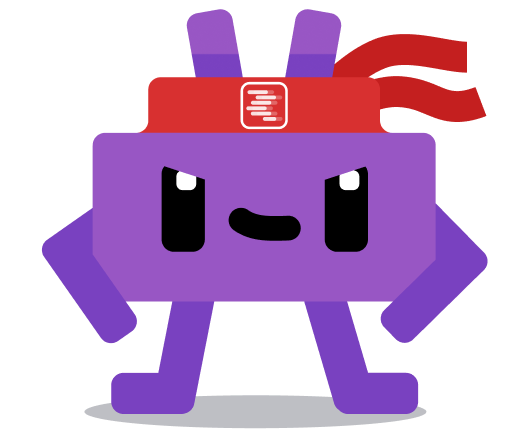
Lmmy
Lmmy (zip)

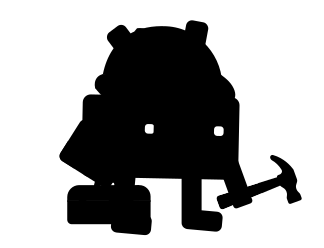
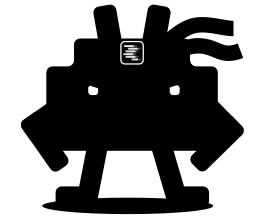














Misuse examples
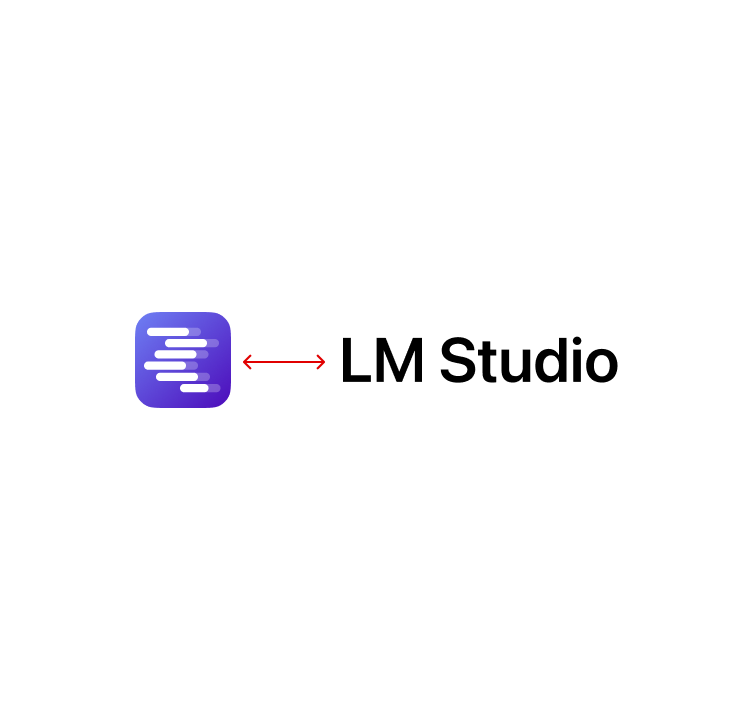
Do not separate the app icon and wordmark or scale them independently.
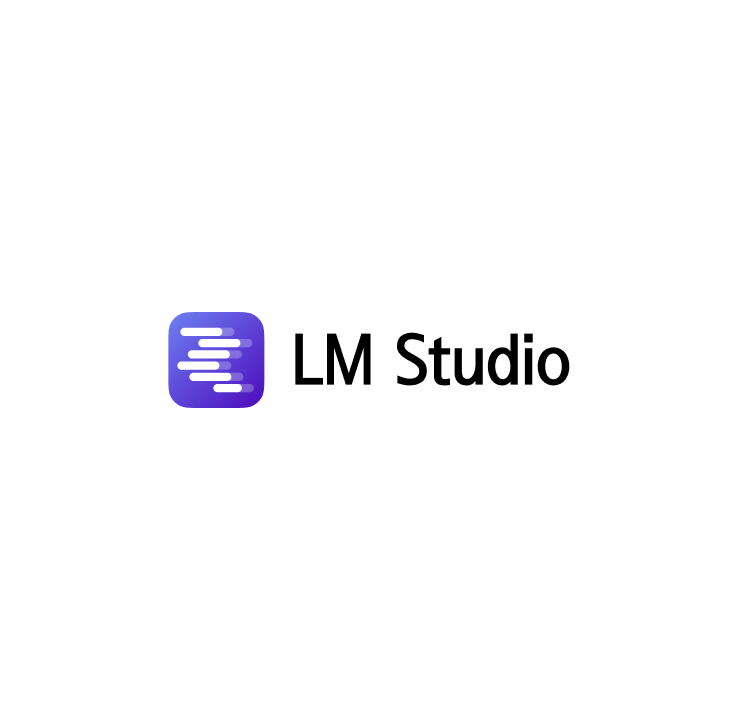
Do not recreate the LM Studio logo with another typeface, icon, or drawing.
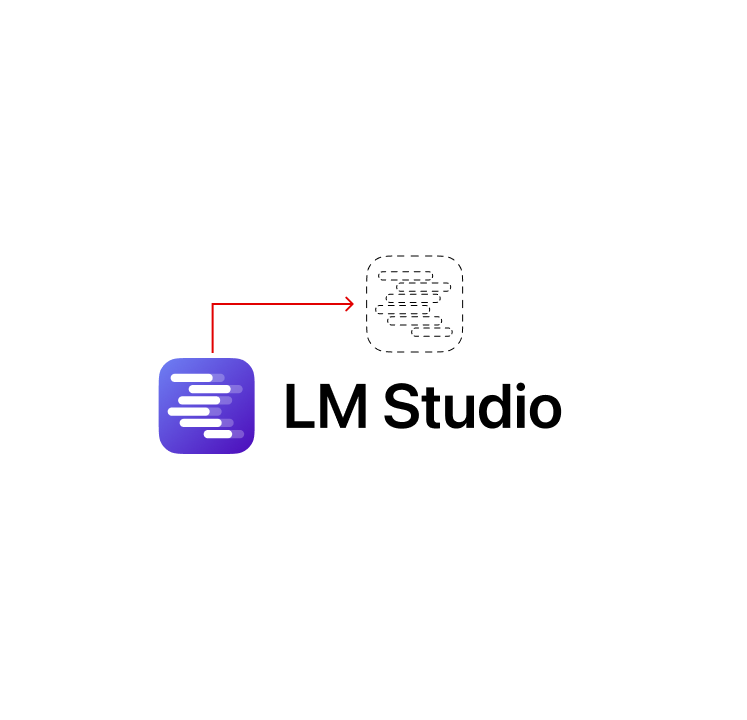
Do not rearrange logo elements or change the proportions of the icon and wordmark.
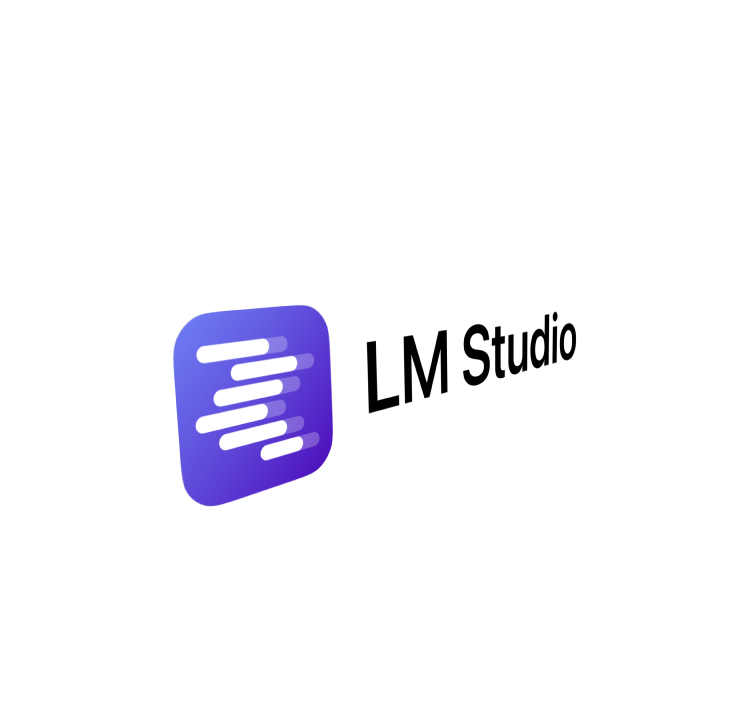
Do not stretch, squash, skew, crop, or rotate the logo.
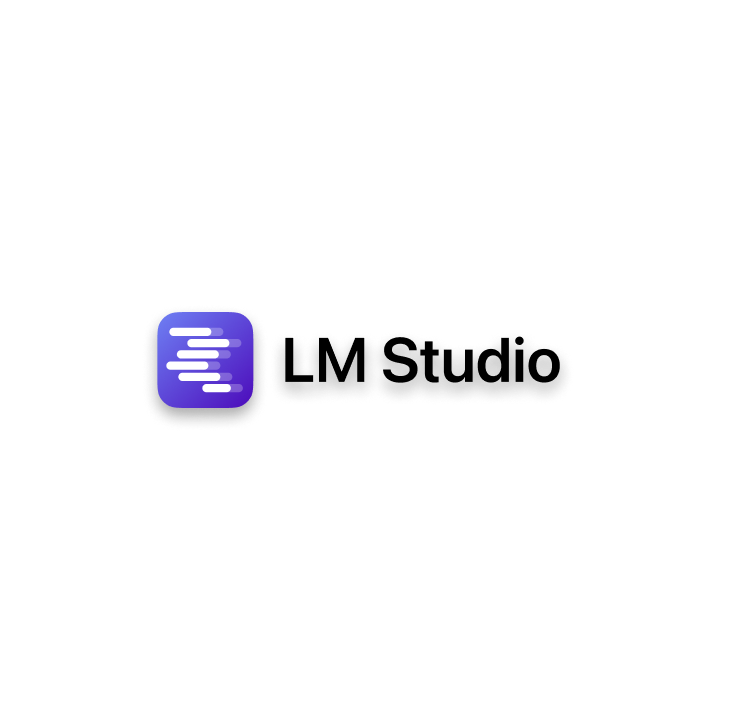
Do not add shadows, outlines, filters, gradients, or other effects.
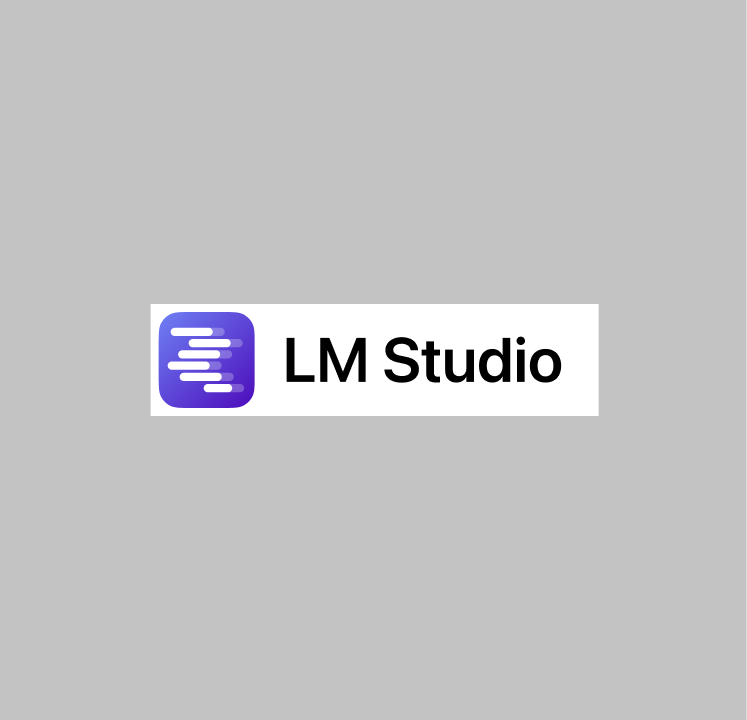
Do not place the logo too close to text, other logos, or interface elements.
Do not use the logo so small that the mark or wordmark becomes unclear.
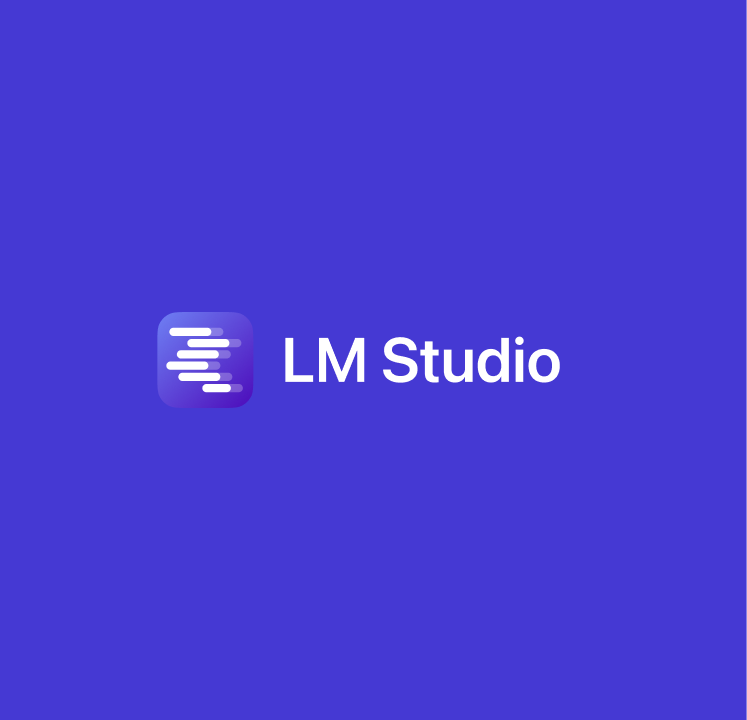
Do not recolor the logo or create unapproved color combinations.

Do not place LM Studio branding on busy or low-contrast backgrounds.
Dos and Don’ts
Do
- Use LM Studio logo when referring to LM Studio, our products, or partnerships.
- Use the official assets provided on this page.
- Keep marks unchanged, legible, and high contrast.
- Leave enough clear space around logos and partner marks.
Don’t
- Don’t imply sponsorship, endorsement, or a formal partnership without approval.
- Don’t misrepresent your relationship with LM Studio.
- Don’t redraw, recolor, crop, stretch, rotate, or add effects.
- Don’t build LM Studio marks into your own logo, app icon, product name, or trademark.
- Don’t place marks on merchandise or promotional items without permission.
Logo safe area
The LM Studio logo combines the app icon with the LM Studio wordmark. Use it when the full brand name needs to be clear, such as press articles, partner pages, event materials, and presentations.
Use the provided artwork without redrawing or changing proportions. Choose the color, monochrome, or outline variant that gives the best contrast for the surface.
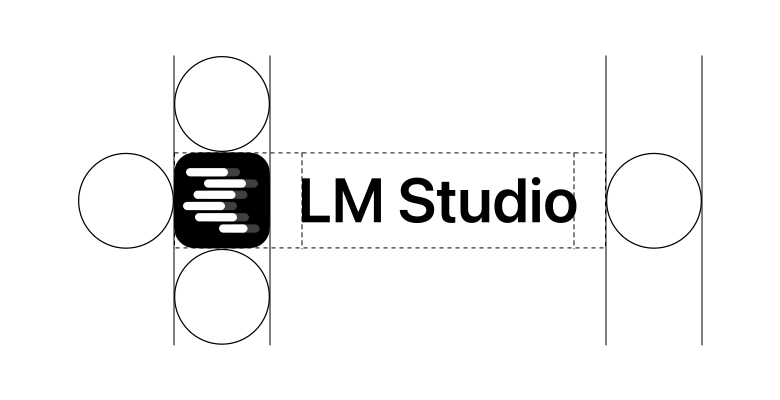
Our primary logo needs clear space around it and should not be paired with other marks so closely that the relationship becomes unclear.
Brand partnerships
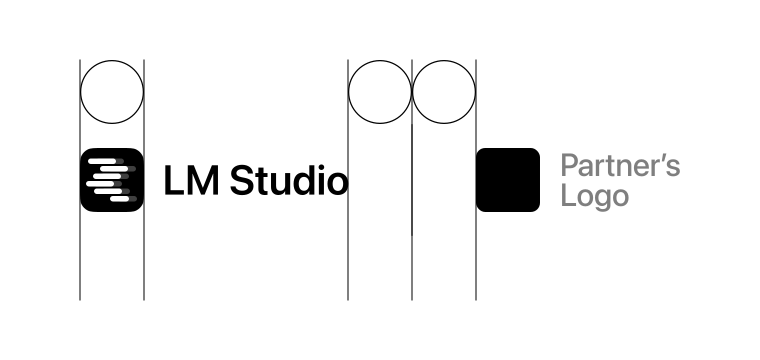
When LM Studio appears with partner logos, keep the relationship clear and balanced. Leave enough space between marks, align optical heights, and avoid making either logo feel attached to the other.
Use each partner’s approved artwork and color variant. Co-branded announcements, launch materials, and event graphics should be reviewed by both teams before publication.
Use of our Marks
"Marks" means anything we use to identify our goods or services, including our names, logos, icons, characters, and design elements - for example, "Element Labs" and "LM Studio." By using our Marks, you agree that we own them and that any goodwill generated by your use benefits us.
We grant permission to use our Marks subject to the following conditions:
- Any use of our Marks must conform to the brand guidelines set out on this page.
- The permission we grant to you is non-exclusive and non-transferable.
- We may update our Marks and usage guidelines, and you must adjust your use in accordance with our updates within a reasonable time.
- We reserve the right to evaluate your use of our Marks and to ask you to modify it where we see fit.
- We may withdraw your permission to use our Marks at any time and for any reason, and you must stop using them promptly.
Contact
For questions about using LM Studio brand assets, permission requests, or co-marketing materials, contact press@lmstudio.ai. If your request is about a specific partnership or announcement, include the draft context and intended publication date.
Press inquiries
When mentioning LM Studio in press materials, describe it as an app for running local AI models privately on your own computer. LM Studio helps people discover, download, and run open models locally across chat, developer, and server workflows. For press questions, asset requests, or review of brand usage in an announcement, contact press@lmstudio.ai.