Available in preview


Introducing LM Link. Load models on remote machines and use them as if they are local.
End-to-end encrypted. Works for local devices, LLM rigs, or cloud VMs.
How it works
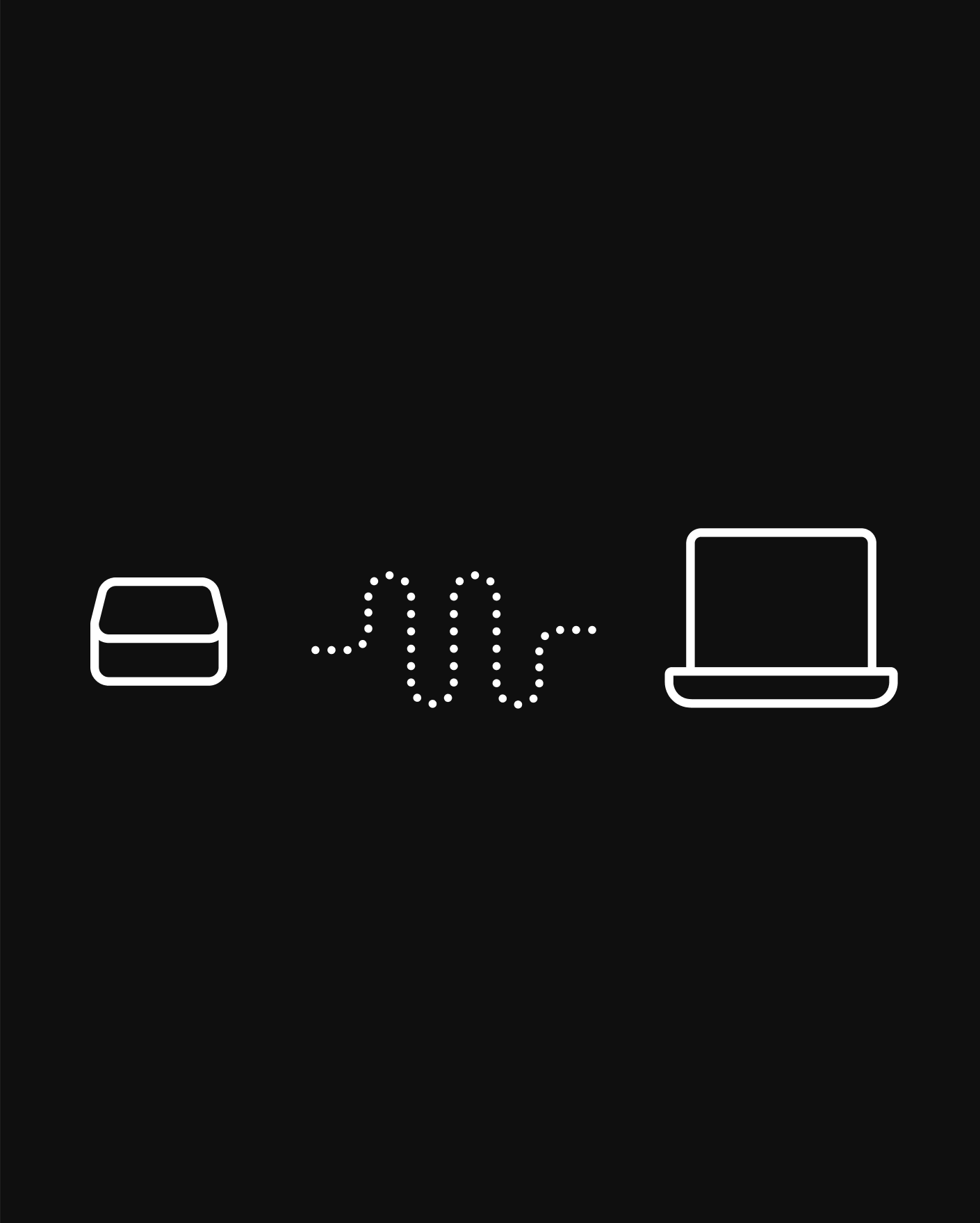
Link your machines, and then load remote models as if they were local.
Your own private AI network.
You might have powerful machines at home, in the office, or in the cloud. Use LM Link to run your models remotely over a secure, end-to-end encrypted connection. Seamlessly integrated into LM Studio.
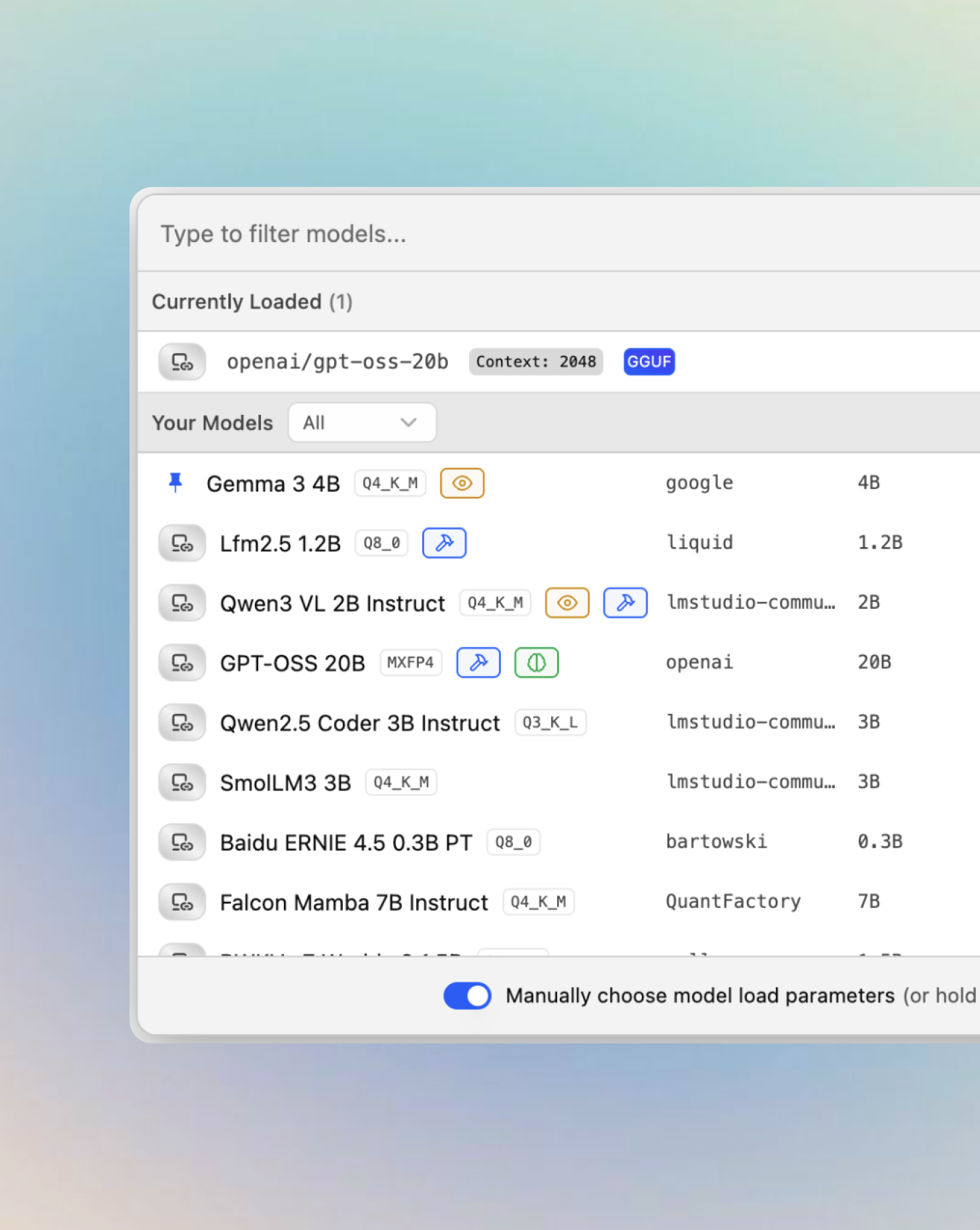
Remote models, as if they were local.
Access models from both your local and remote devices in the model loader. Your chats remain local, while the heavy processing happens on more powerful devices you own.
End-to-end encrypted networking.
All data and communication between devices remain entirely private and secure. Your devices are never exposed to the public internet, because LM Link runs on top of custom Tailscale mesh VPNs.

Industry-trusted security, powered by Tailscale
LM Link is leveraging Tailscale mesh VPNs for secure, end-to-end encrypted connections between your devices.
Questions and answers about LM Link, how it works, and how to use it.
LM Link is a new feature in LM Studio. It allows you to connect together devices on which you have LM Studio (or llmster) installed. It is end-to-end encrypted, and built on top of custom Tailscale mesh VPNs.
Once devices are together in a Link, you can load models on remote devices and use them as if they were local. Chats remain local and nothing gets uploaded to LM Studio's backend servers apart from your device list - in order to facilitate device discovery and connection.
No. All your devices in the LM Link network communicate with each other using a mesh VPN connection powered by Tailscale. They use end-to-end encrypted connections and communicate without opening any ports to the internet. Moreover, LM Link runs entirely in userspace, and it does not change any global settings on your device.
Yes. Any model in your LM Link network can be used as if it is local. Any tool that already connects to your local LM Studio server will be able to use remote models as well, just by pointing to localhost:1234 as usual.
This means that you can use LM Link models in tools like Codex, Claude Code, OpenCode, and any other tool pointing to LM Studio's local API.
No. LM Link is an entirely separate and self-contained use of Tailscale VPN primitives. LM Link coexists with other uses of Tailscale on your machine or network, with no interference or interplay. LM Studio is introducing this feature in partnership and close technical collaboration with Tailscale.
LM Link is free to use for up to 2 users, 5 devices each (10 devices total). We have not yet introduced a way to pay for additional users or devices, but expect to add that once LM Link moves out of Preview.
LM Studio, including the LM Link free tier, can be used either at home or at work. If the device and user limits work for you, go ahead. If you would like to discuss enterprise-style deployment or have specific questions about using LM Link in your company, please reach out to us via our contact form.
Available In Preview


LM Link works with local devices, servers, LLM rigs, or cloud VMs.