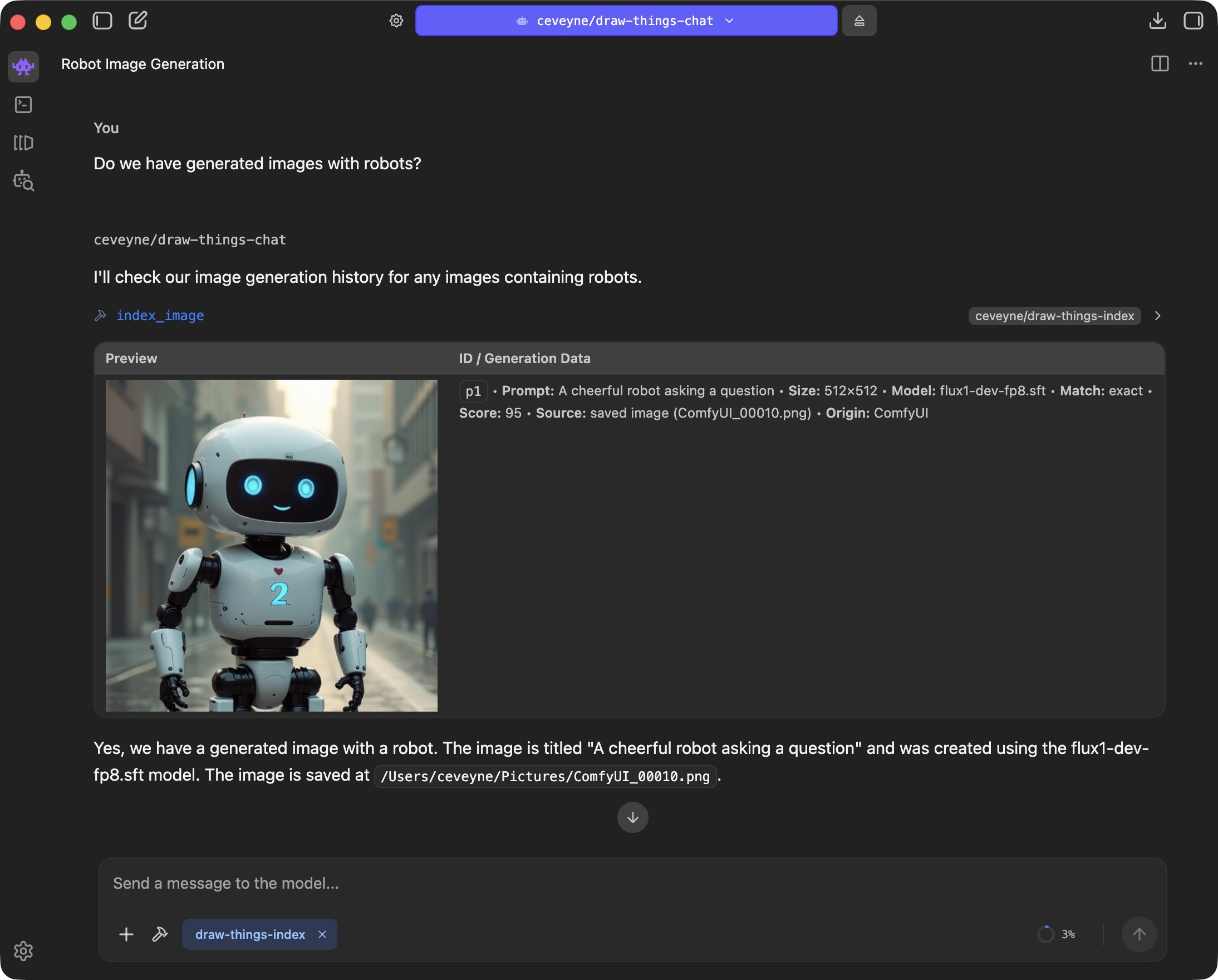
As it's questionable if simply plugging Draw Things into LM Studio might be of any benefit, enlightening your vision-capable Agent-Model with your generated images can sometimes be... surprising.
LM Studio Plugin: Draw Things supported by vision-capable Agents
Image-based "Reasoning" approach for vision-capable LLMs
"Agentic" workflows for text2image, image2image & edit
Optional: distributed computing across your local network
Maintain your favourite settings, models, LoRAs, etc., as custom presets to ensure the desired qualities of your Draw Things artwork.
Setup
Draw Things user on Mac
Prepare for text2image, image2image and edit modes by simply providing your favourite Draw-Things-settings for use with draw-things-chat:
Draw-Things > Basic Settings > Load your preferences > Save as... text2image.auto, image2image.auto, edit.auto
⚠️ Note: These settings are stored to <Your_configured_Model-Folder>/custom_configs.json. It might be a good idea to keep this file in sync with the one located inside your Default-Model-Folder (~/Library/Containers/com.liuliu.draw-things/Data/Documents/Models/custom_configs.json)
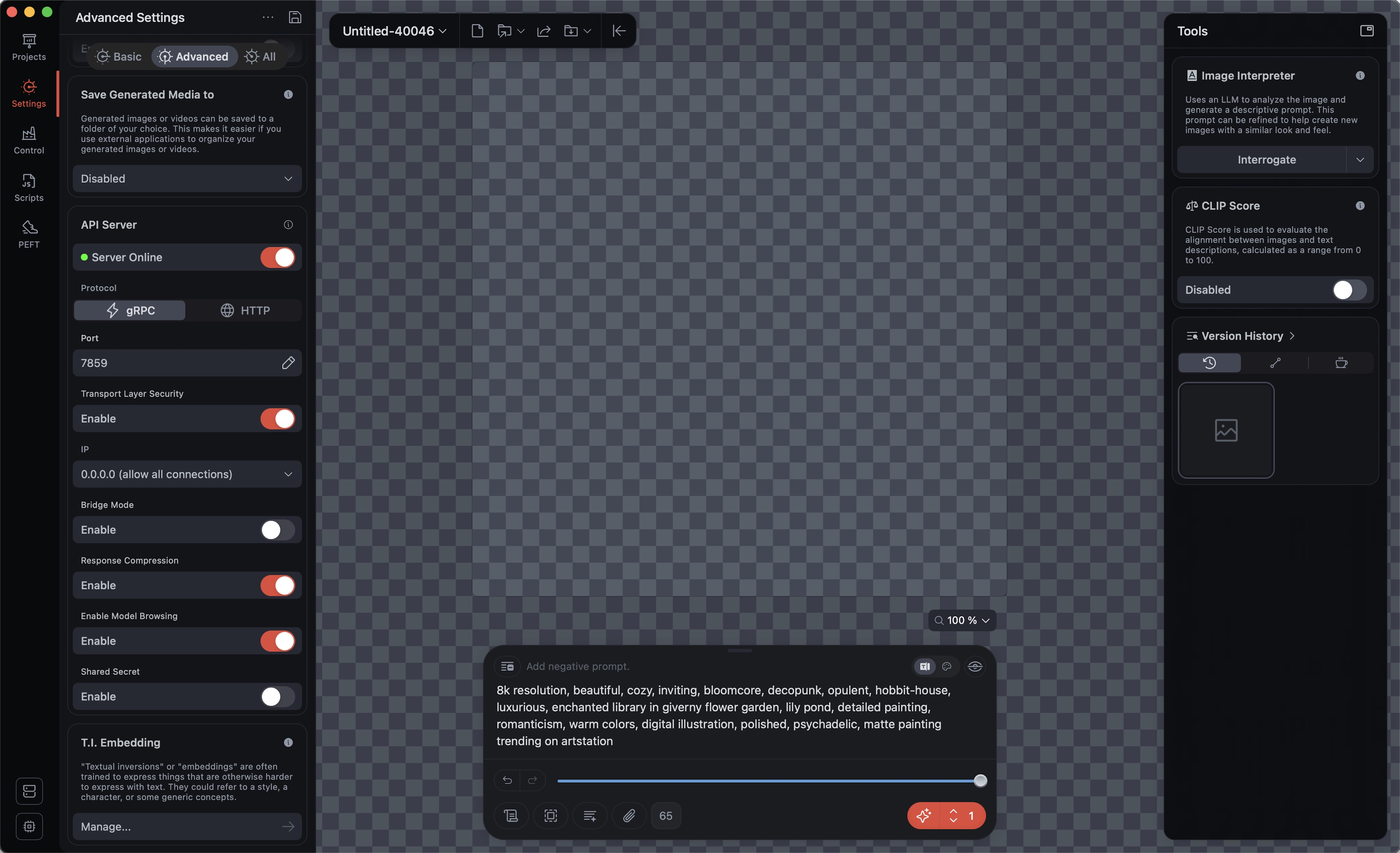
Setup Draw Things gRPC server:
Draw-Things > Advanced Settings: API Server: enable, ⚡️ gRPC Port: 7859, Transport Layer Security: enable, Response Compression: enable, Enable Model Browsing: enable
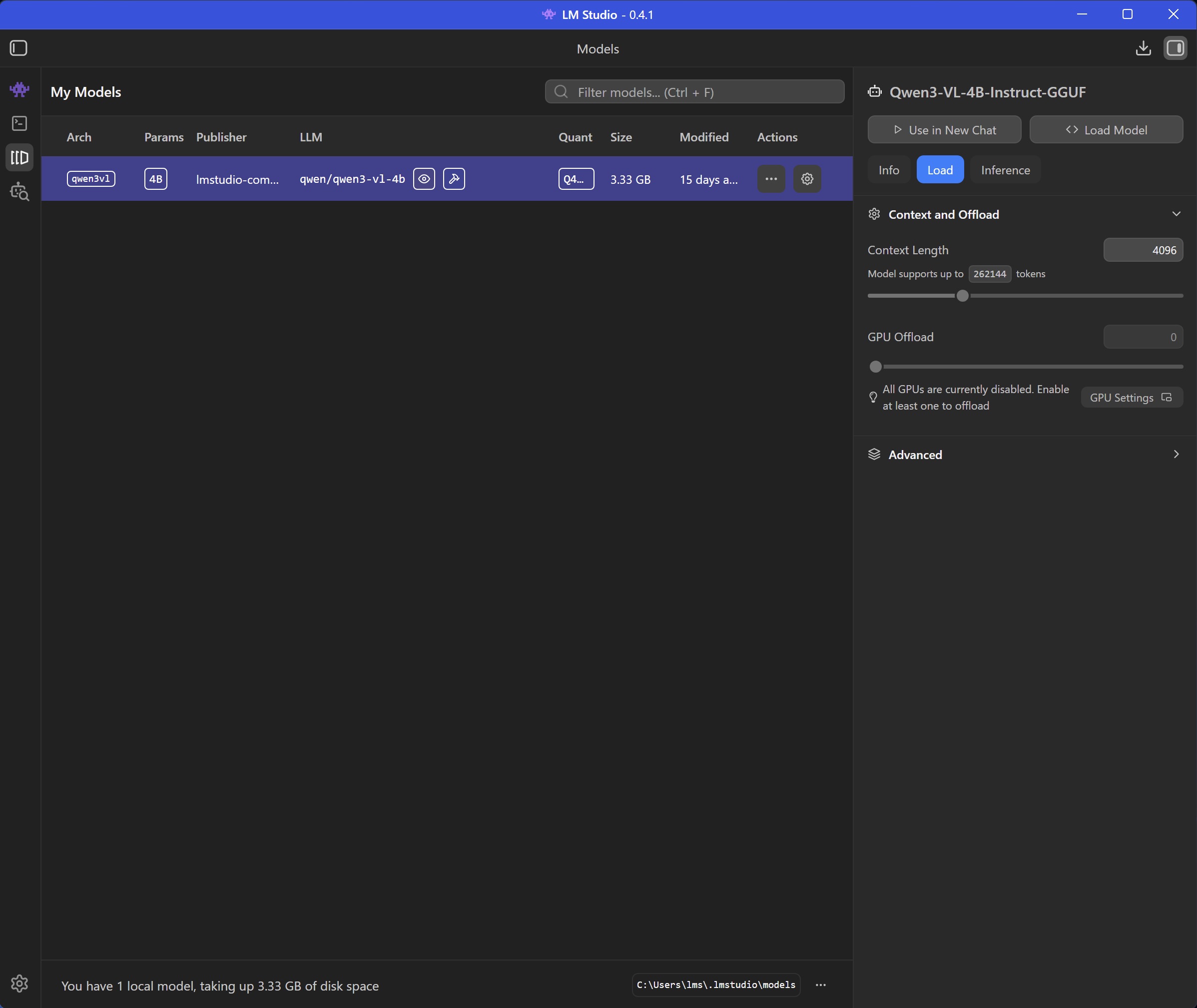
Prepare your LM Studio Client for the vision-capability-primer:
Download the required helper-model qwen/qwen3-vl-4b to your local computer
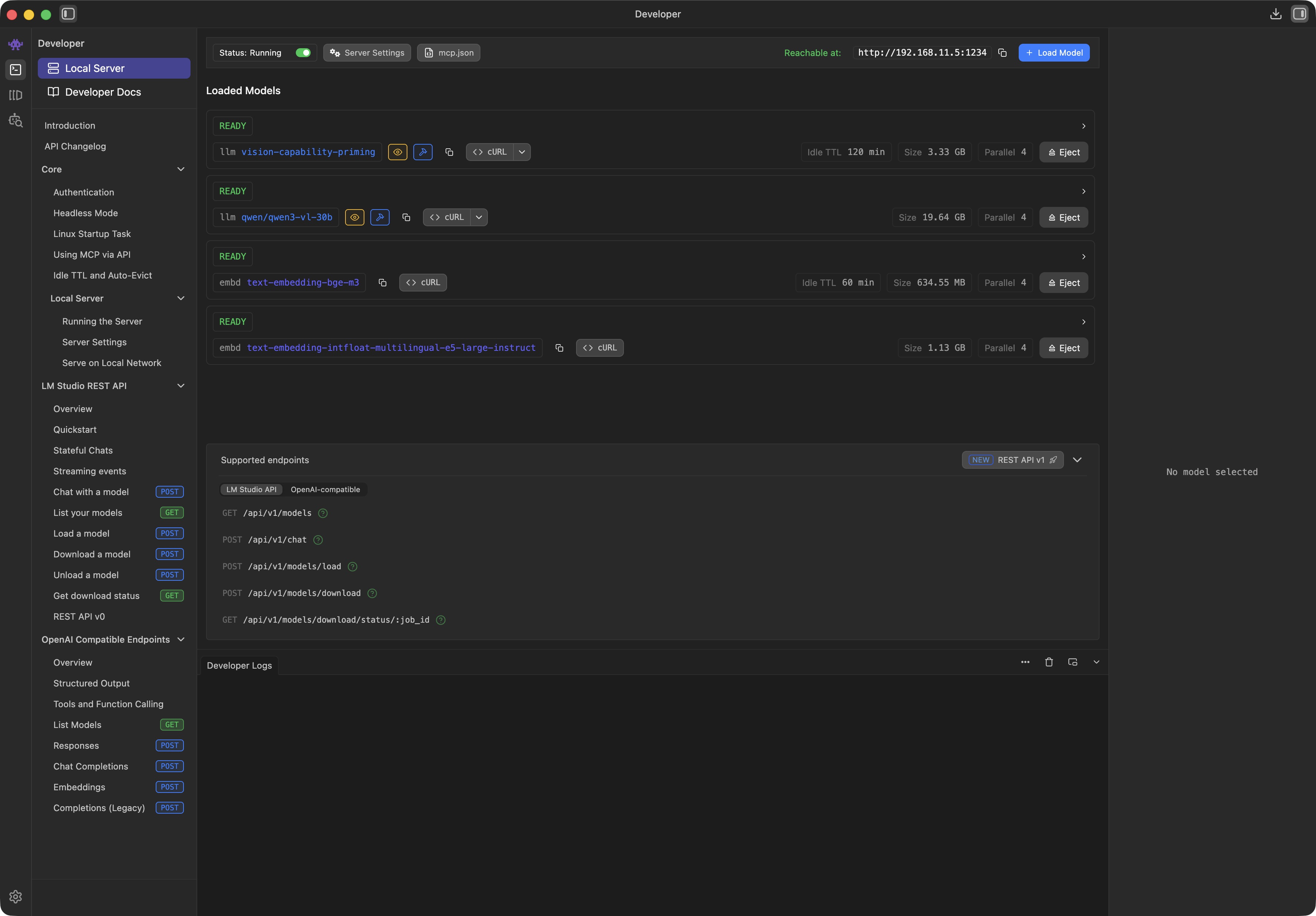
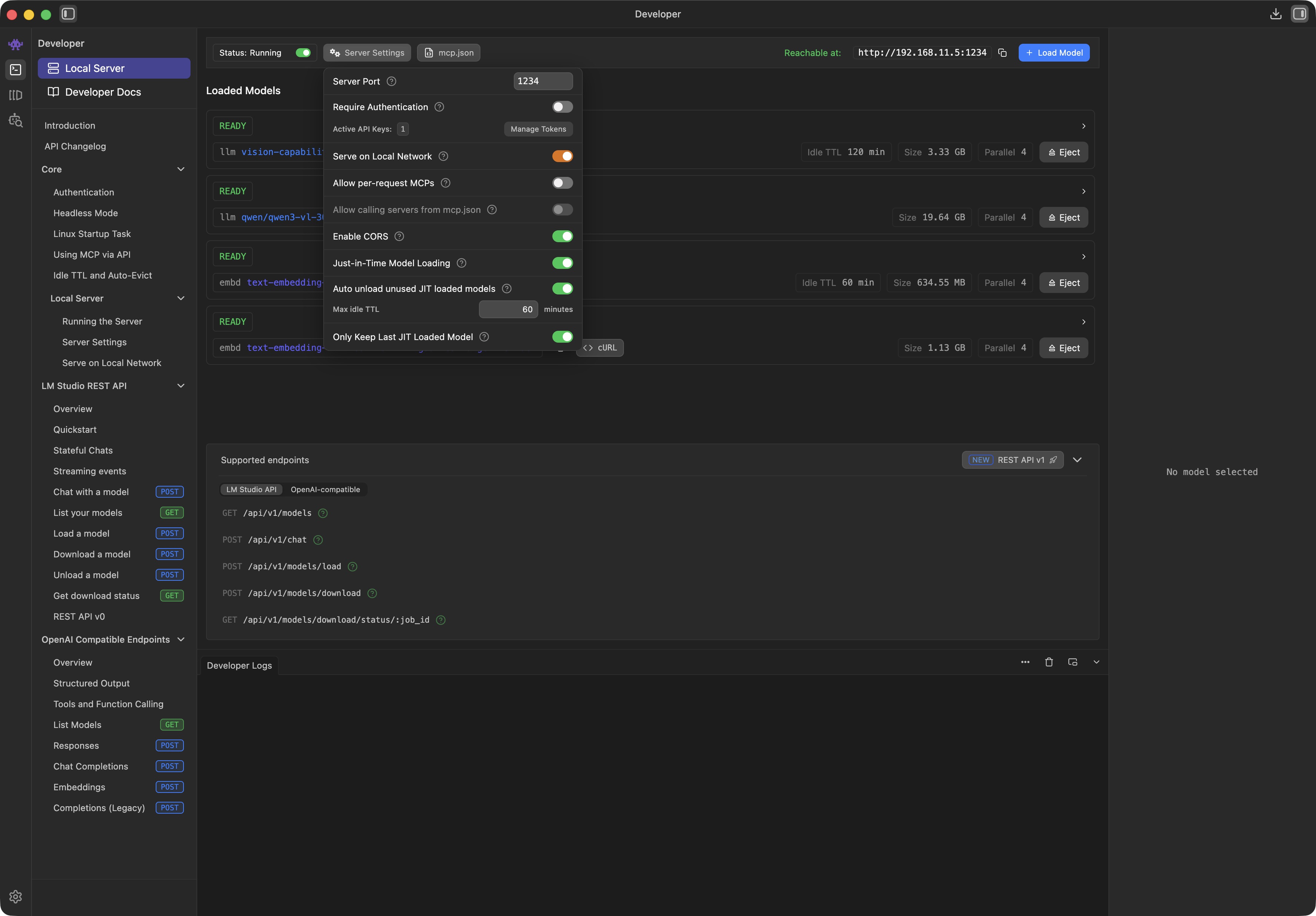
Prepare your LM Studio Server:
Download your preferred vision-capable agent-model (default: qwen/qwen3.5-35b-a3b) to your server computer
Set appropriate context length for your vision-capable agent-model
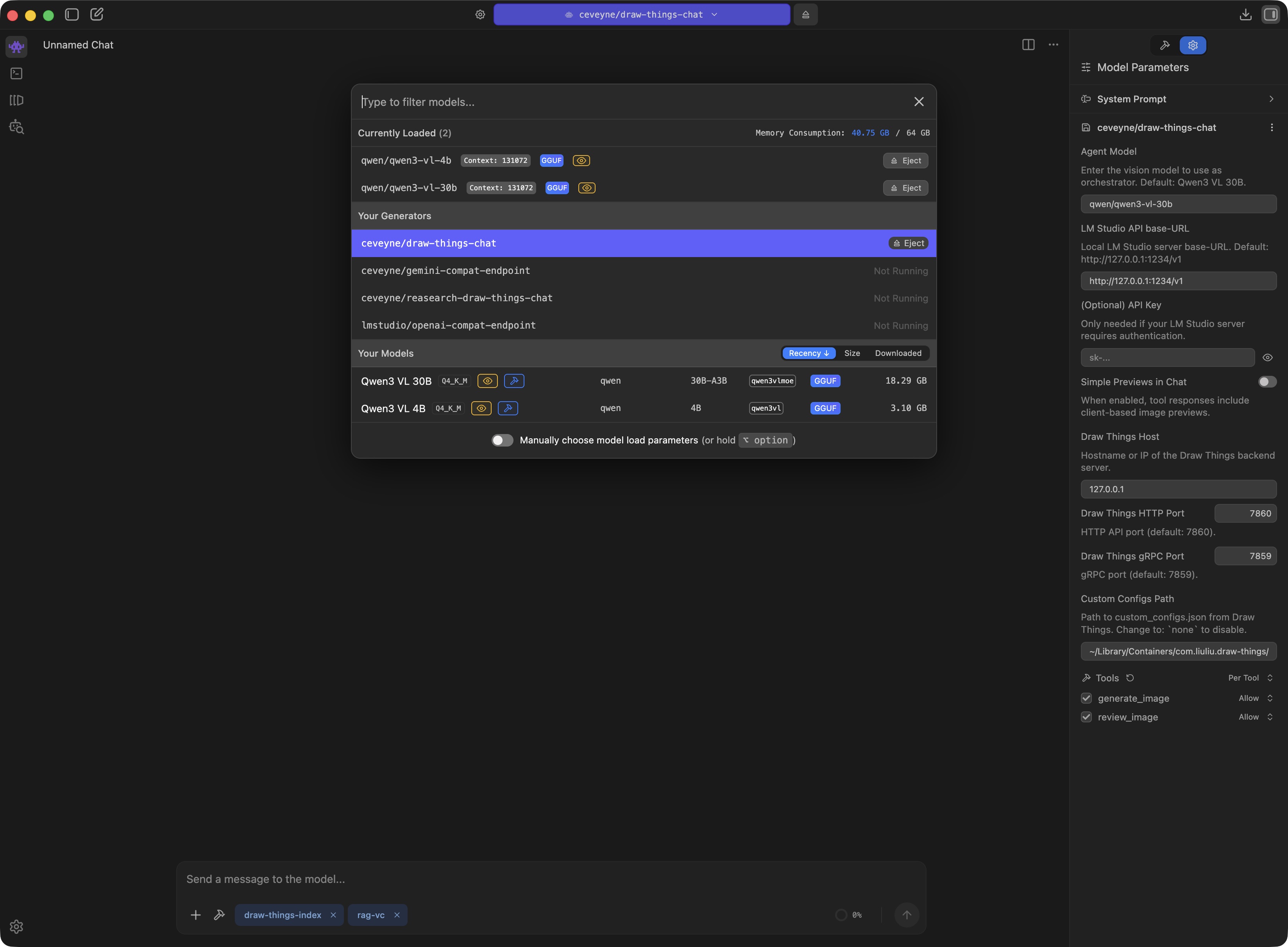
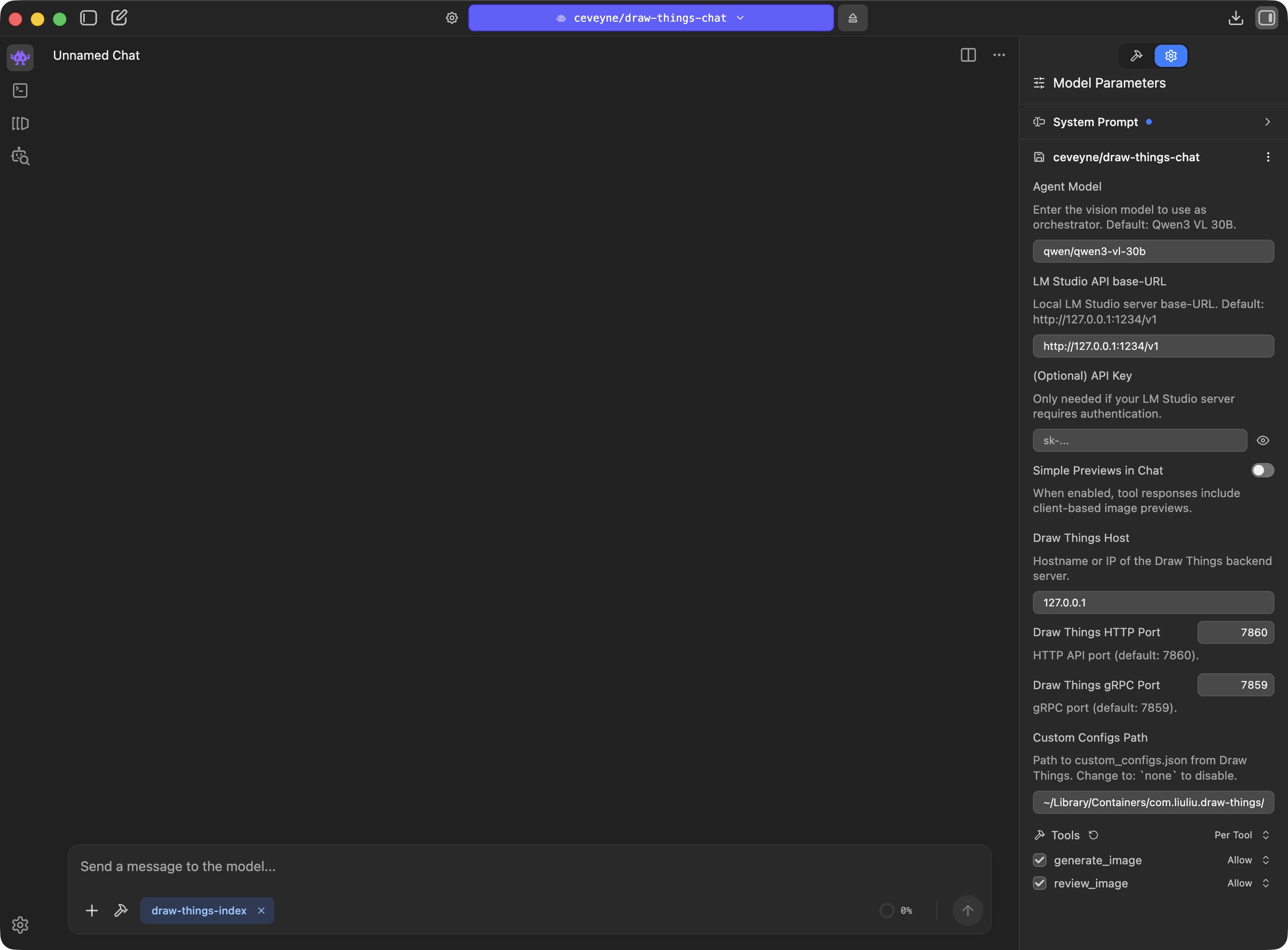
Activate the draw-things-chat plugin by choosing it from the model-loader
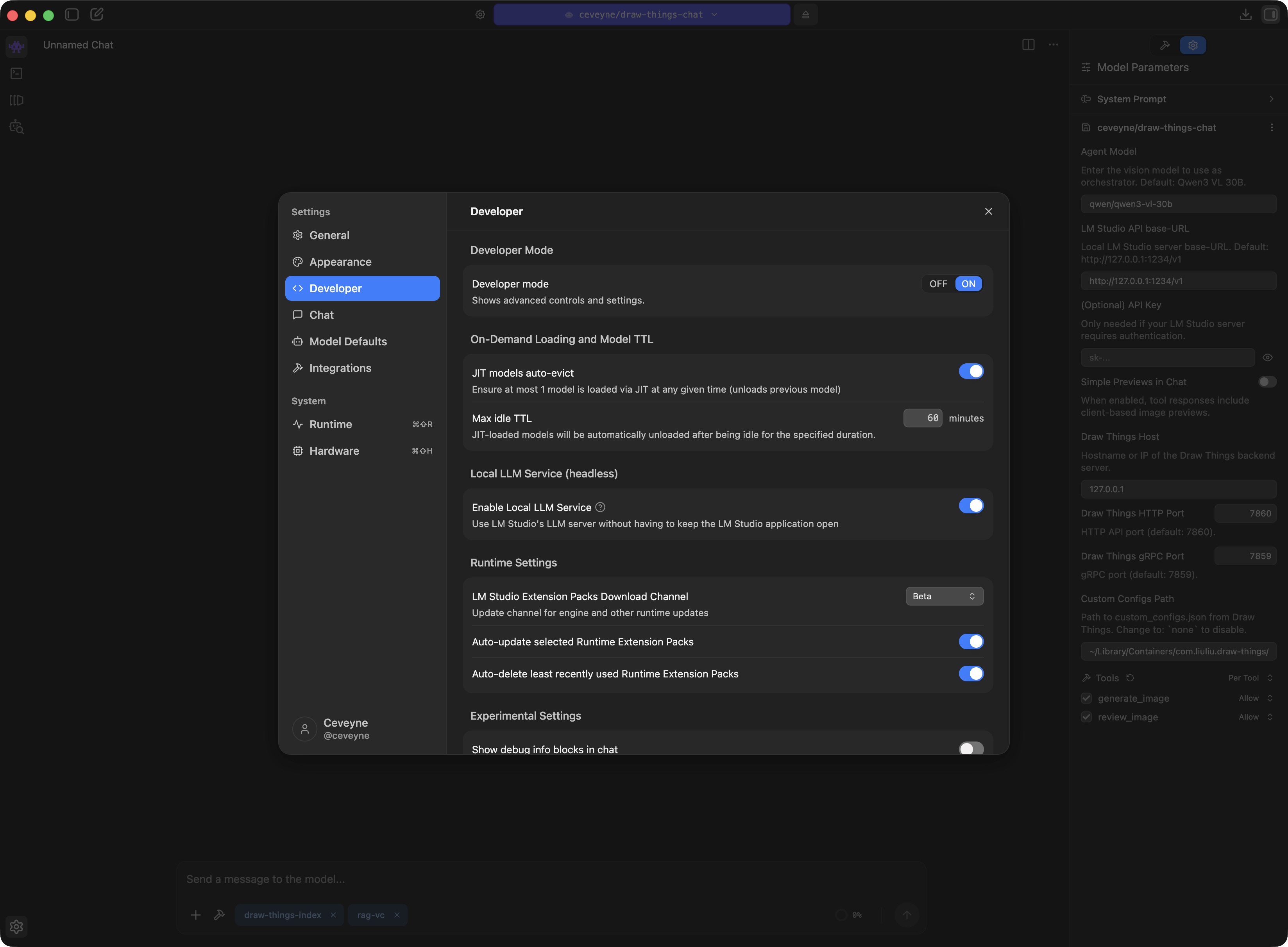
Adjust the draw-things-chat plugin-settings to your local machine and network: Disable the built-in tool 'generate_image()' to use any MCP-tool for image-generation that delivers base64 as tool-result.
LM Studio user on Linux - Draw-Things-backend image generation
For model-management and custom_configs it's easiest to use the Draw Things Client on macOS.
Prepare for text2image, image2image and edit modes by simply providing your favourite Draw-Things-settings for use with draw-things-chat:
Draw-Things > Basic Settings > Load your preferences > Save as... text2image.auto, image2image.auto, edit.auto
⚠️ Note: These settings are stored to <Your_gRPC-configured_Model-Folder>/custom_configs.json. It might be a good idea to keep this file in sync with the one located inside your Default-Model-Folder (~/Library/Containers/com.liuliu.draw-things/Data/Documents/Models/custom_configs.json)
Prepare your LM Studio Client for the vision-capability-primer:
Download the required helper-model qwen/qwen3-vl-4b to your local computer
Prepare your LM Studio Server:
Download your preferred vision-capable agent-model (default: qwen/qwen3.5-35b-a3b) to your server computer
Set appropriate context length for your vision-capable agent-model
.jpeg)
.jpeg)

.jpeg)
.jpeg)
.jpeg)
.jpeg)
.jpeg)