Bionic now supports skills
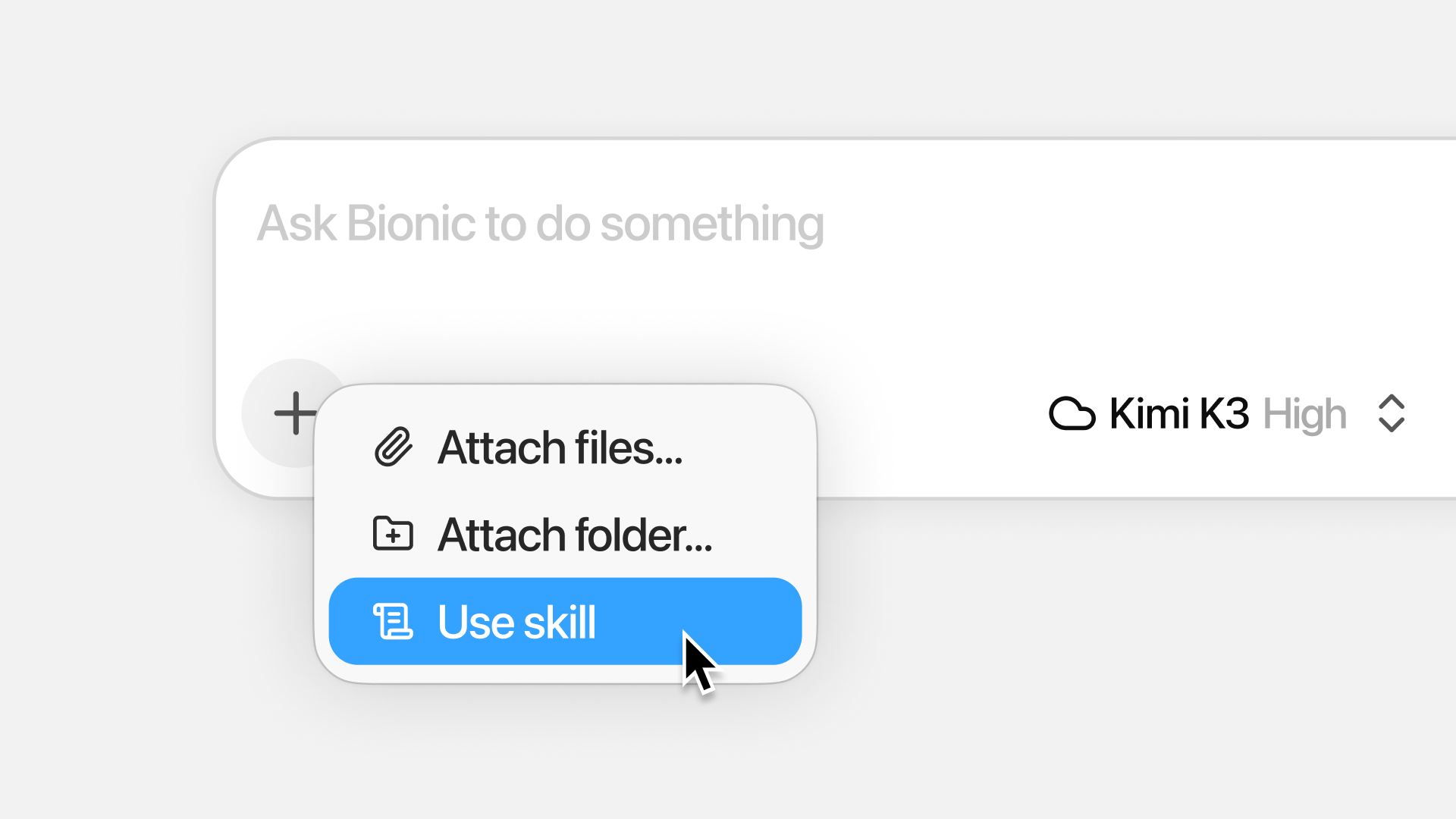
Bionic now supports using, installing, and creating agent skills.
Skills are a way to capture specific knowledge, a capability, or a repeatable task in a sort of shortcut—using an industry standard called Agent Skills (SKILL.md files).
The Bionic agent can use skills in the standard format: install skills from the web, create skills from a conversation, and use skills you already have in other apps like Codex and Claude.
Create Skills
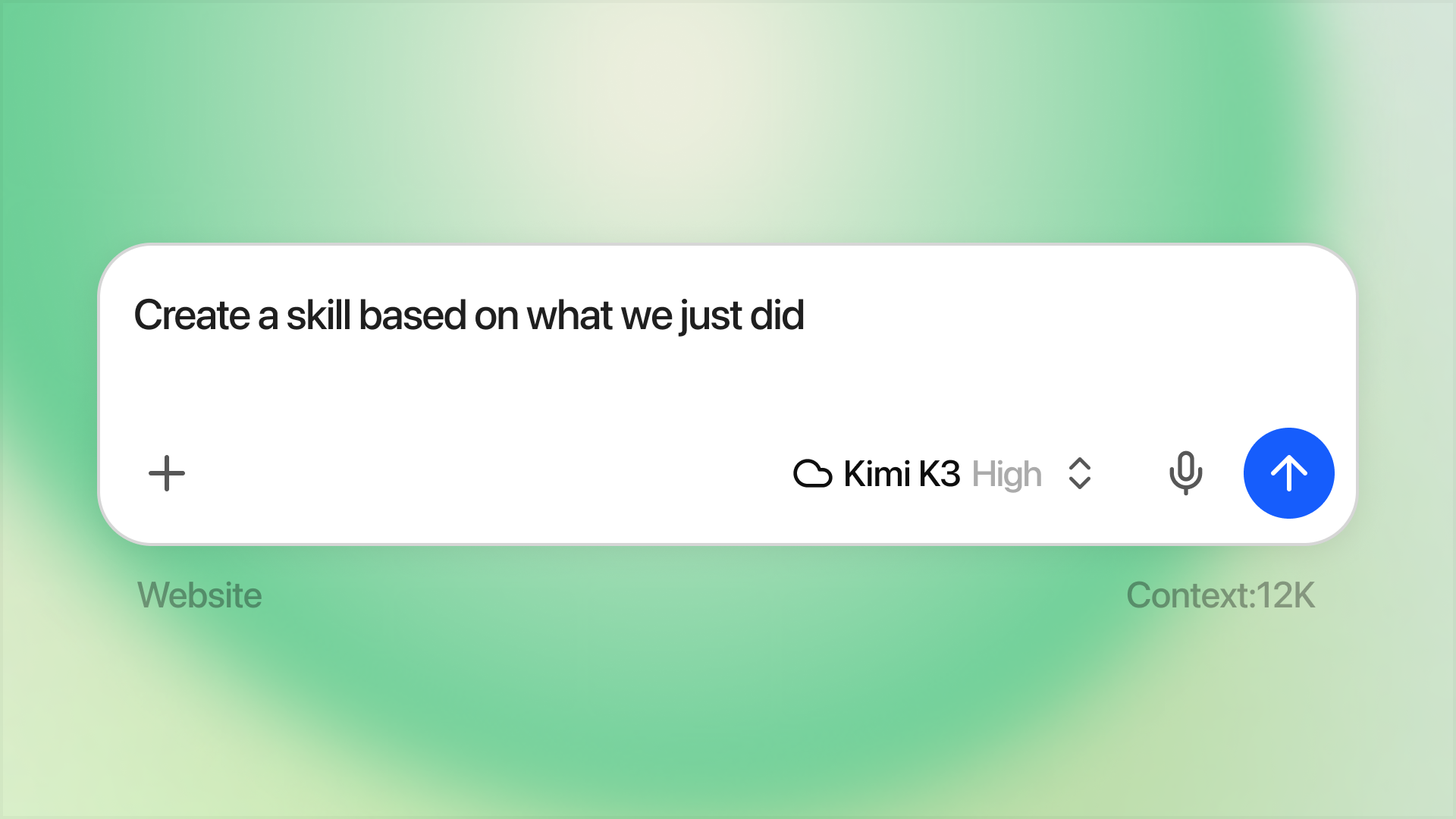
Bionic can create skills for you—just ask! Consider a couple of patterns: one is creating a skill based on a task you just completed. Another is workshopping and creating a skill together with Bionic for something new.
Suppose that you've worked with Bionic to get something done, and it worked really well. Now you want to capture the way you've done it in a reusable way. This is a great use case for skills: ask Bionic something like, “Create a skill based on what we just did.” Bionic will ask clarifying questions and then create the skill for you. Once the skill is created, you will be able to invoke it with the @ syntax. Depending on the model you use, Bionic might be able to automatically use a skill without you even asking.
Use Skills
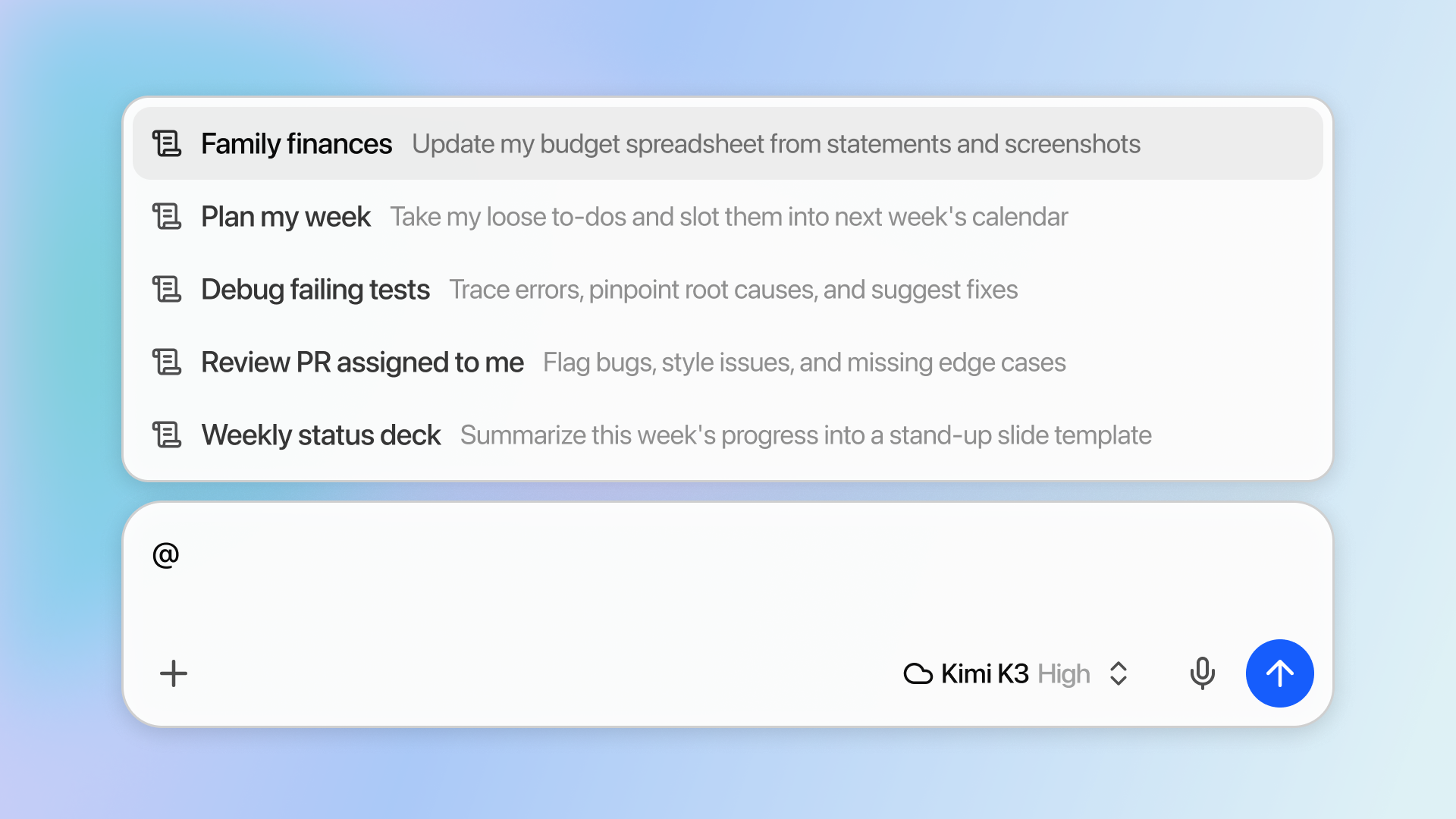
Use the @ syntax to bring up the skill selector
The simplest way to use a skill is to type the @ character, which brings up the file or skill reference palette. When you reference skills in the chat, Bionic will inspect the skill file and decide how to act.
Use skills from other apps (Codex, Claude Code)
We shipped support for using skills you already have in other apps. Head to Settings > Skills > Skills from other apps and manage which skills you want to be visible to Bionic. You can disable certain skills in the ••• menu.
Install Skills
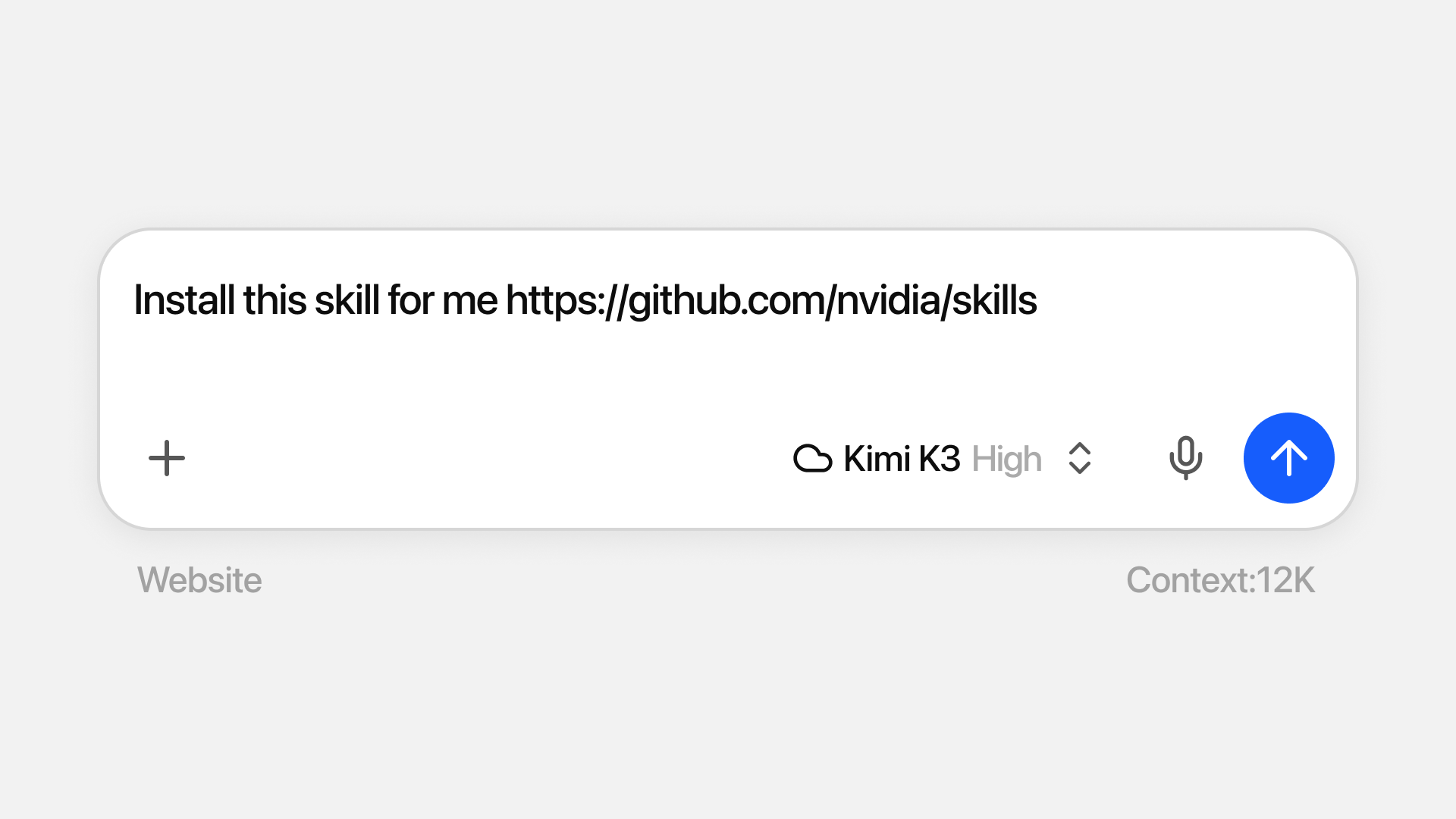
Similar to creating skills, the best way to install skills is by asking Bionic to do it for you. Give the agent a URL and ask it to install the skill, or invoke @Install Skill.
Alternatively, if you have a SKILL.md file ready, you can just drop it in Settings > Skills and make it available to your agent to use.