Create slides and documents using Kimi K3 in Bionic
Recently, we released LM Studio Bionic, an agent and a workspace for chat, work, and code. It comes with built-in tools for processing documents and building slide decks. Paired with Kimi K3, it’s especially good at research-heavy work.
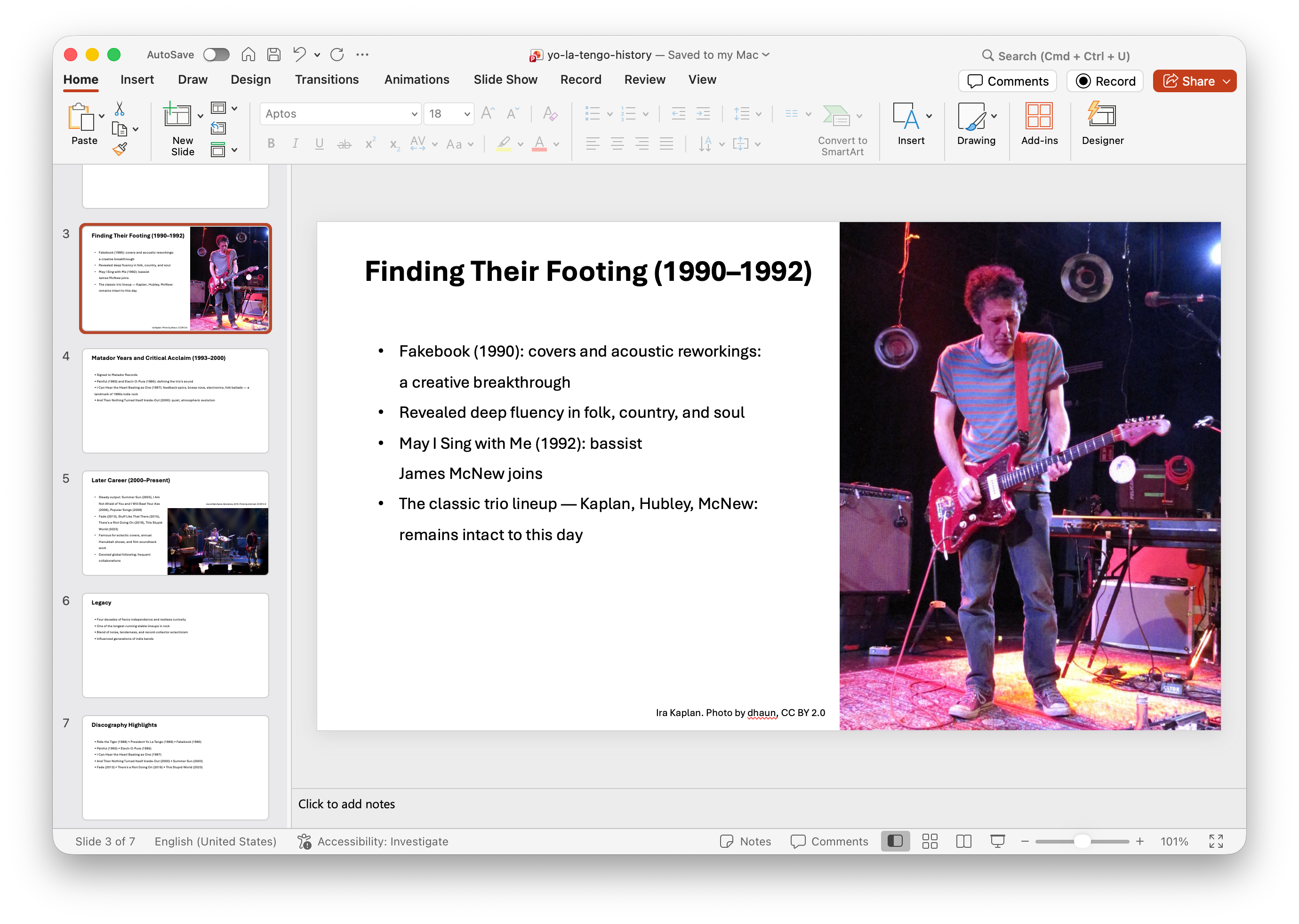
A slide from the finished PowerPoint deck created by Kimi K3 in Bionic.
Kimi K3 is Moonshot AI’s newest flagship model, built for long-horizon work — searching, reading a lot, and keeping track of it all. In Bionic it runs as a cloud model on US-based servers with Zero Data Retention, so nothing you send is kept or used for training. Here’s how it looks in practice.
Start with a project
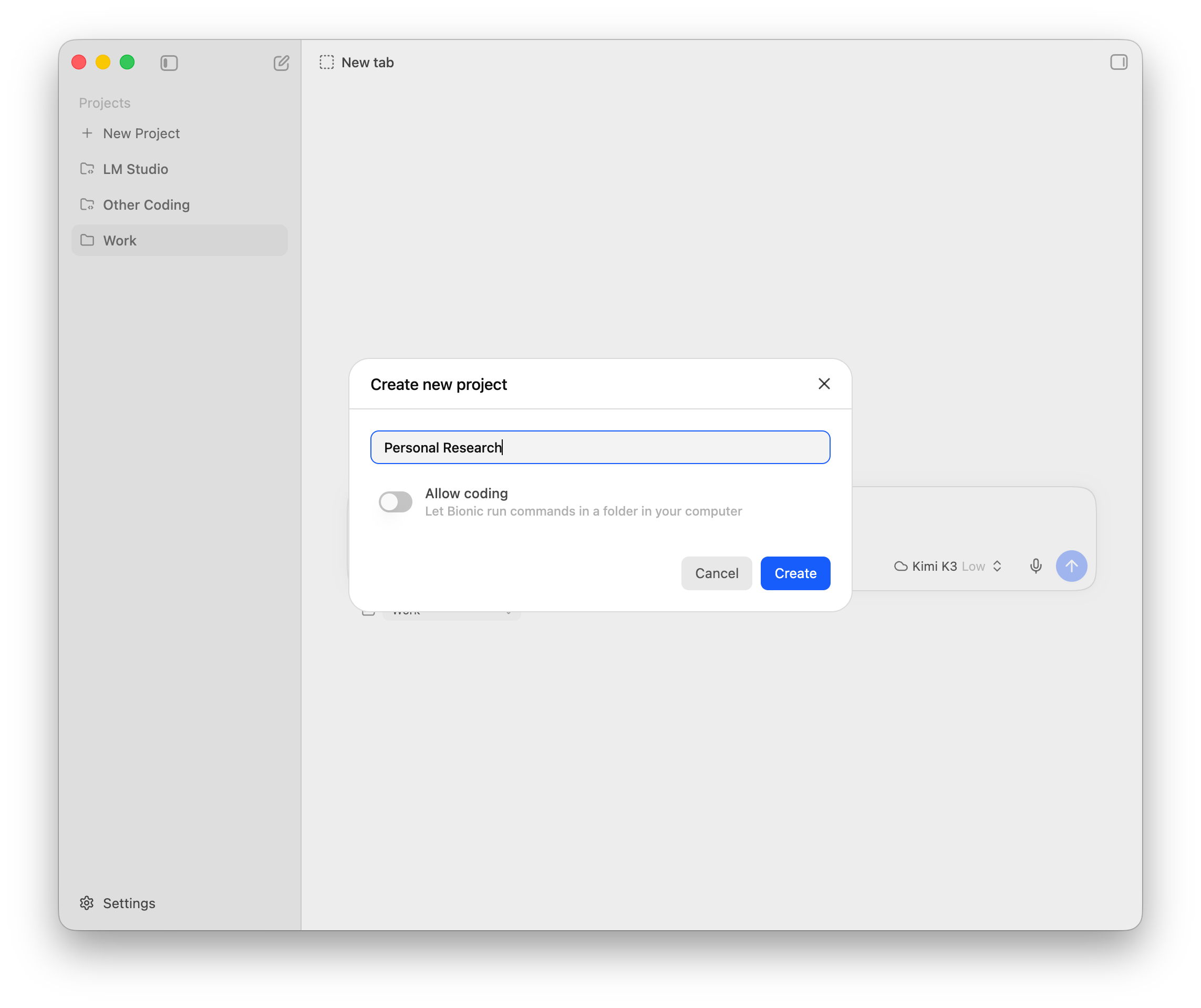
For personal research, I like to create a project first. A project helps me organize my chats, along with all the documents they generate.
Create a researched document
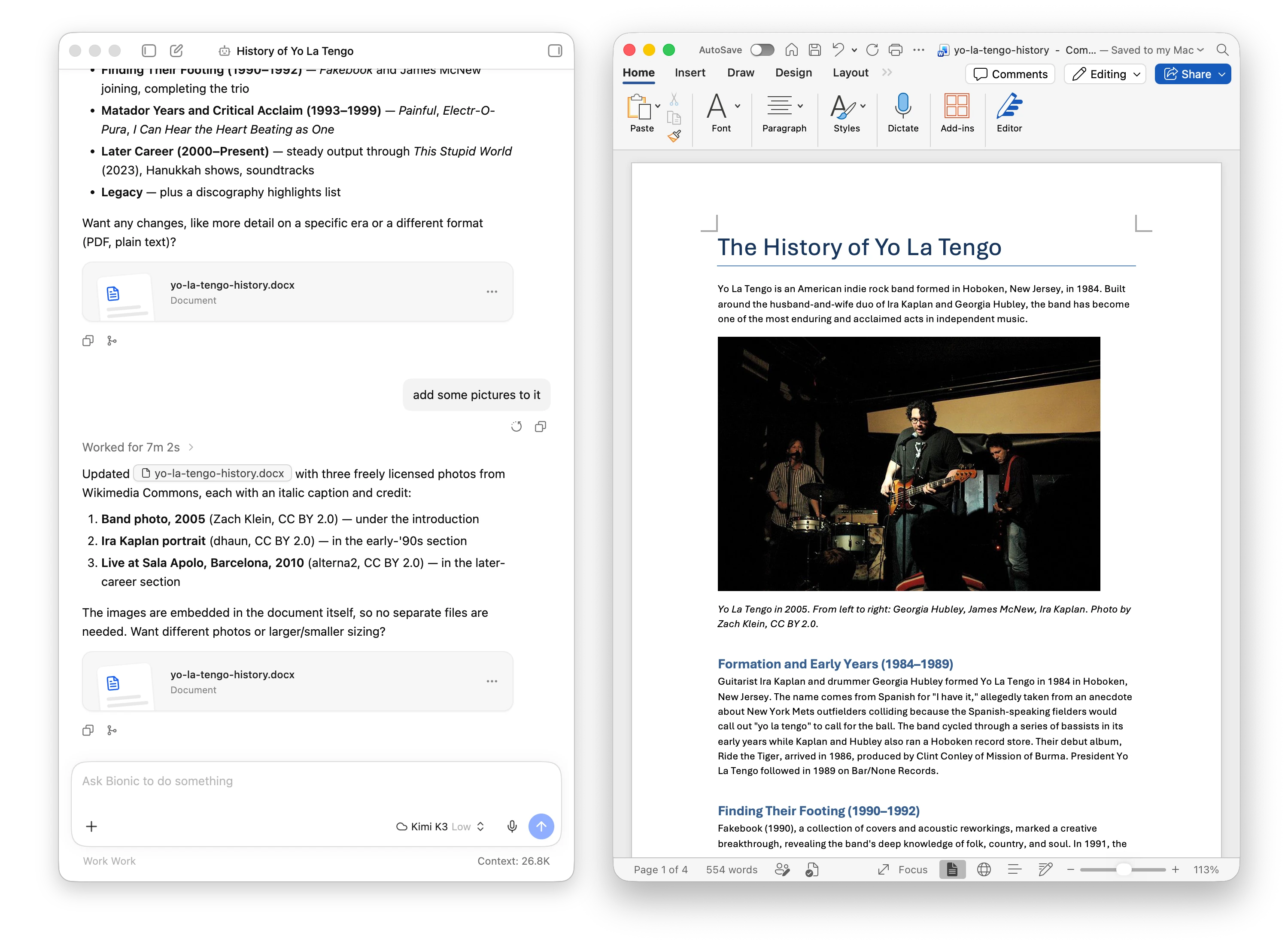
I’m a big fan of the indie rock band Yo La Tengo, and I’d like to learn some of the band’s history. I can start a new session, select the “Personal Research” project I just created, pick Kimi K3, and say “create a document for the history of Yo La Tengo”. The agent searches the web, synthesizes the information, and hands me a nice Word document. It’s pretty good, but I’d like some photos. So I write “add some pictures to it”. The agent goes back to the web and finds images on Wikipedia that can be used in the document. Now the document is in great shape!
Turn it into a slide deck
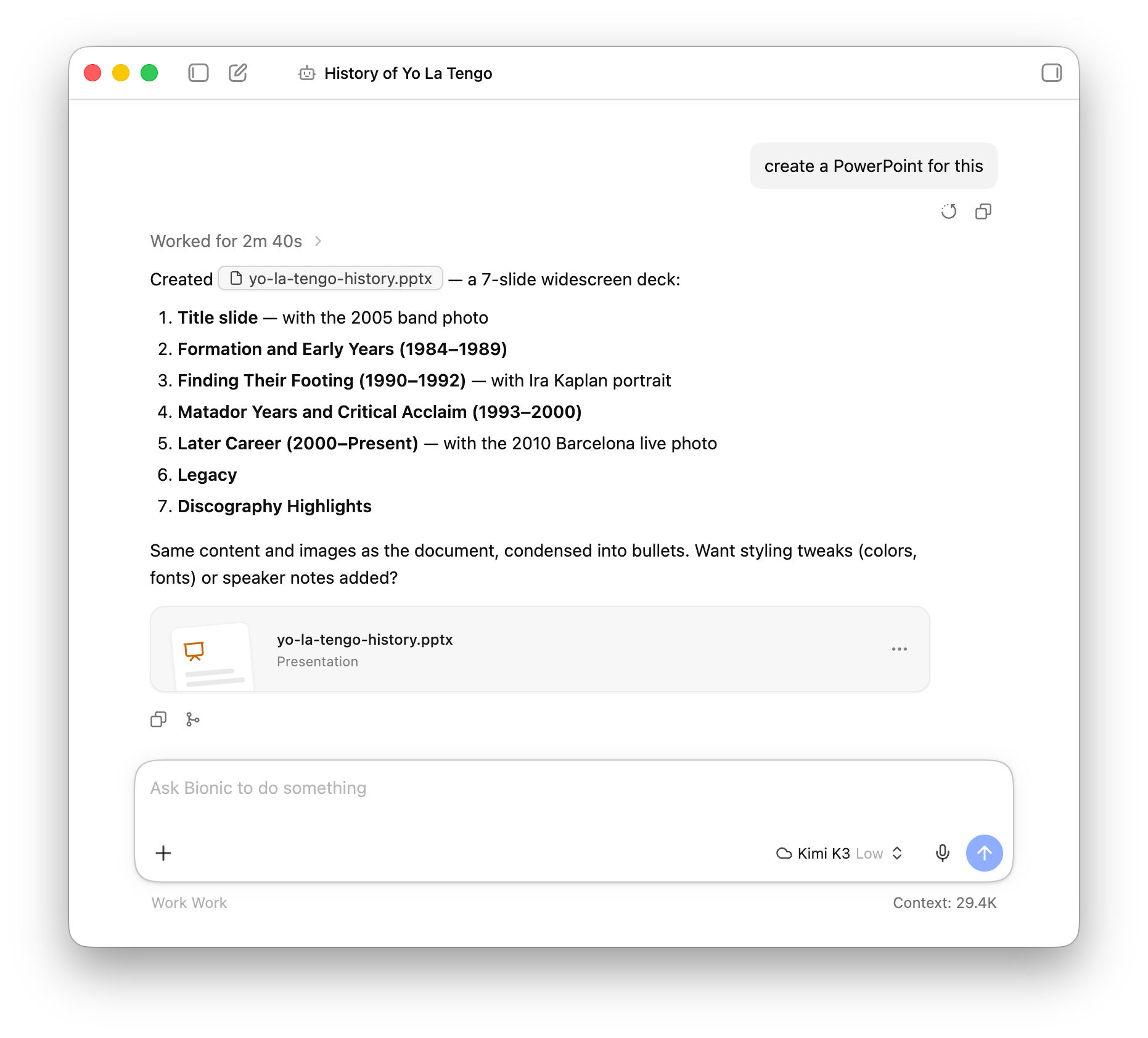
Next, I’d like to make slides to tell my friends how awesome this band is. It’s just one prompt away. I tell Bionic “create a PowerPoint for this”, and Kimi K3 does the hard work.
That’s it- two prompts for a researched document, and one more for a deck to go with it. Whether you’re digging into a favorite band or putting together something for work, Bionic and Kimi K3 take care of the tedious parts so you can focus on the fun ones.
If you don’t have Bionic yet, download it and give it a try. Let us know what you build!