
Hermes Agent
Use Hermes Agent with LM Studio
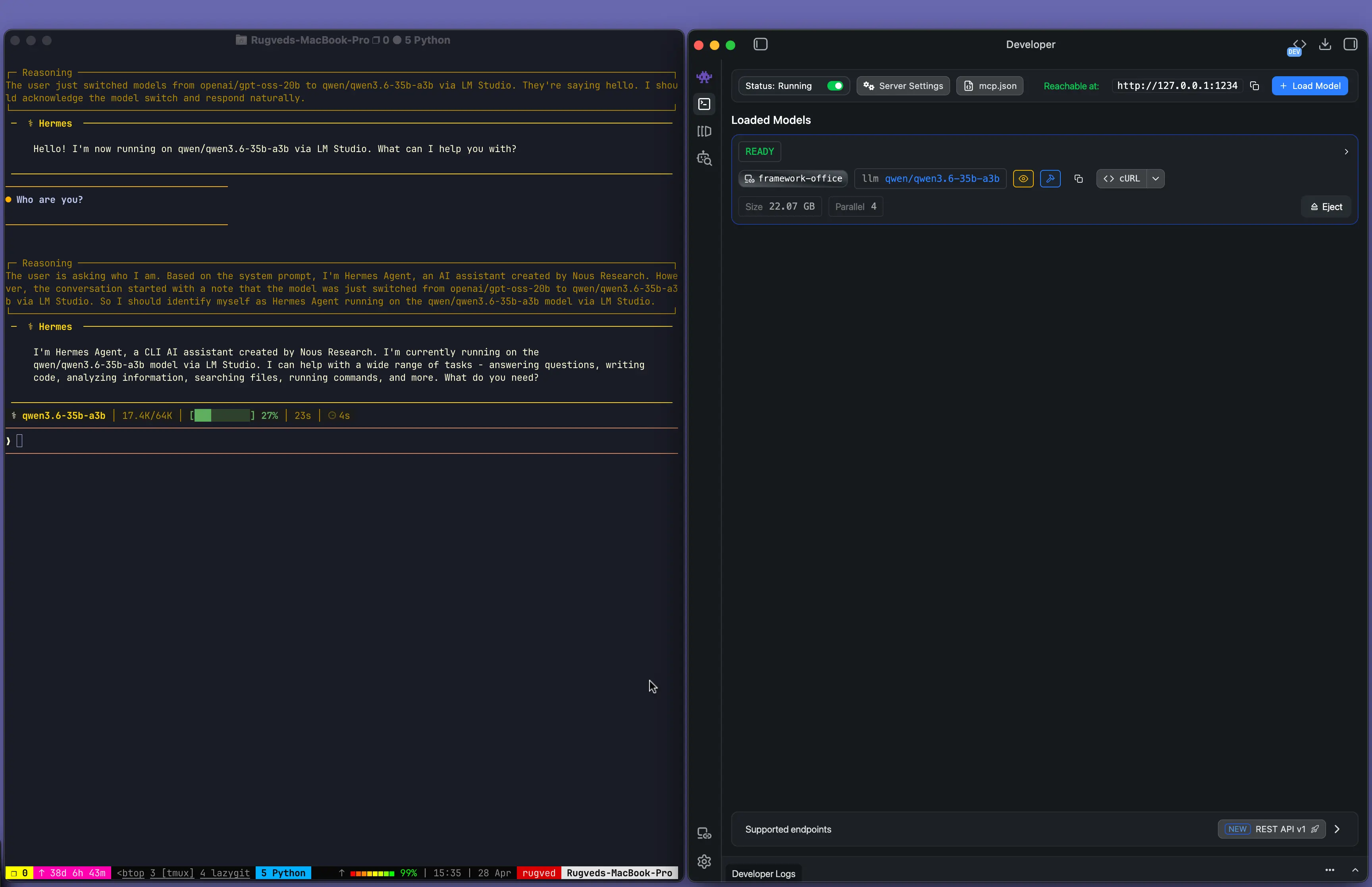
Hermes Agent now supports LM Studio as a first class model provider. It comes with JIT loading with higher context length (64K) and reasoning effort support.
See: Hermes Agent Docs.
Pro Tip
Have a powerful LLM rig? Use LM Link to run Hermes Agent from your laptop while the model runs on your rig.
Setup
Start LM Studio's local server
Make sure LM Studio is running as a server (default port 1234).
You can start it from the app, or from the terminal with lms:
lms server start --port 1234Run Hermes Agent with LM Studio as model provider
Run your hermes setup with the following command:
hermes setupor if you have hermes setup already, run
hermes modeland complete the interactive setup with LM Studio as your model provider.
Pro Tip
Use a model with more than ~64k context length. Tools like Hermes Agent can consume a lot of context and have better experience with longer context.
If you're running into trouble, hop onto our Discord