Use your LM Studio Models in Claude Code
With LM Studio 0.4.1, we're introducing an Anthropic-compatible /v1/messages endpoint. This means you can use your local models with Claude Code!
LM Studio and Claude Code
First, install LM Studio from lmstudio.ai/download and set up a model.
Alternatively, if you are running in a VM or on a remote server, install llmster:
curl -fsSL https://lmstudio.ai/install.sh | bash1) Start LM Studio's local server
Make sure LM Studio is running as a server. You can start it from the app, or from the terminal:
lms server start --port 12342) Point Claude Code at LM Studio
Set these environment variables so the claude CLI talks to your local LM Studio server:
export ANTHROPIC_BASE_URL=http://localhost:1234
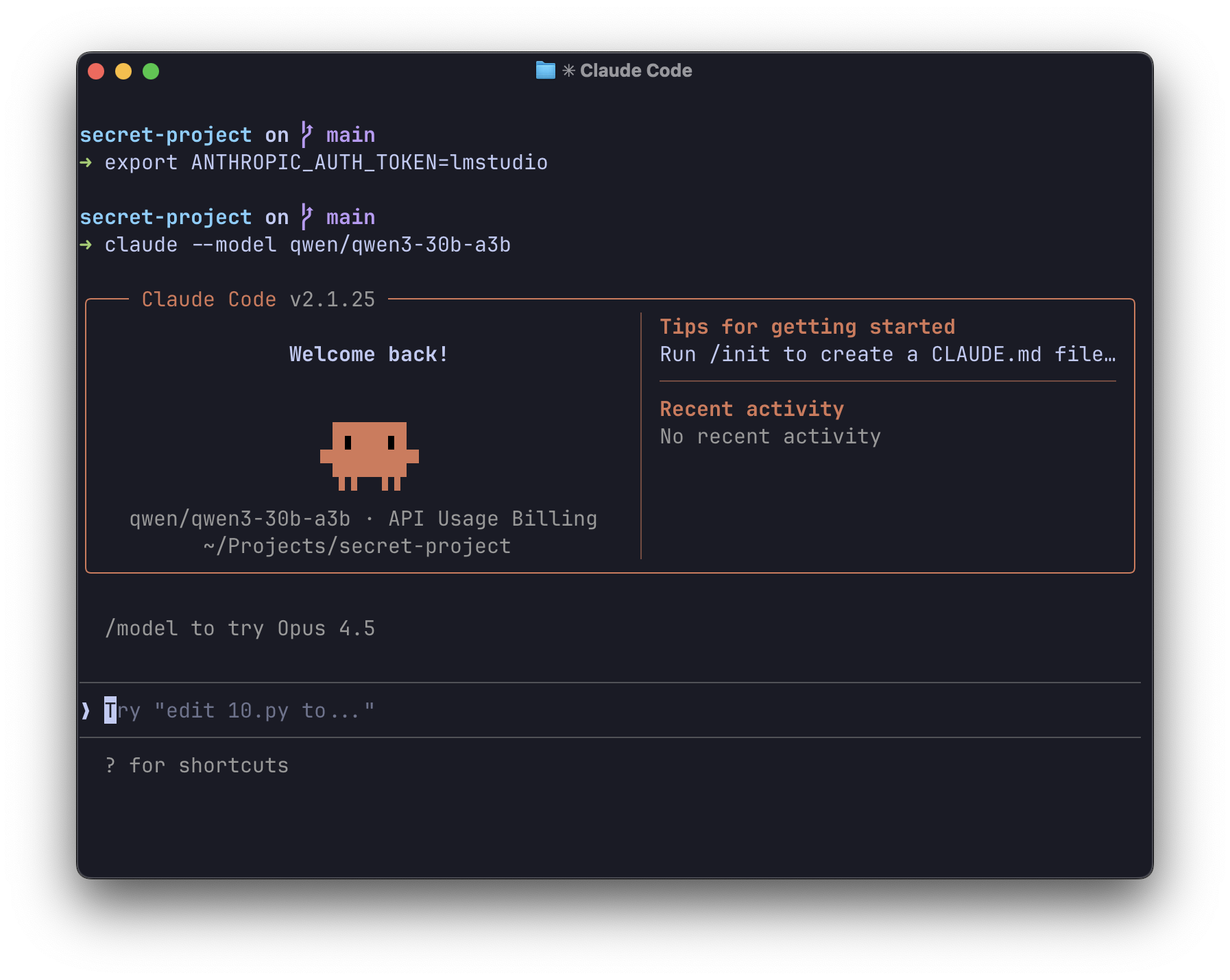
export ANTHROPIC_AUTH_TOKEN=lmstudio
3) Run Claude Code in your terminal
From the terminal, use:
claude --model openai/gpt-oss-20bThat's it! Claude Code is now using your local model.
We recommend starting with a context size of at least 25K tokens, and increasing it for better results, since Claude Code can be quite context-heavy.
Alternatively: Configure Claude Code in VS Code
Open your VS Code settings:
"claudeCode.environmentVariables": [
  {
    "name": "ANTHROPIC_BASE_URL",
    "value": "http://localhost:1234"
  },
  {
    "name": "ANTHROPIC_AUTH_TOKEN",
    "value": "lmstudio"
  }
]
Use your GGUF and MLX local models with Claude Code
Under the Hood
LM Studio 0.4.1 provides an Anthropic-compatible /v1/messages endpoint. This means any tool built for the Anthropic API can talk to LM Studio with just a base URL change.
What's supported
- Messages API: Full support for the
/v1/messagesendpoint - Streaming: SSE events including
message_start,content_block_delta, andmessage_stop - Tool use: Function calling works out of the box
Python example
If you're building your own tools, here's how to use the Anthropic Python SDK with LM Studio:
from anthropic import Anthropic

client = Anthropic(
    base_url="http://localhost:1234",
    api_key="lmstudio",
)

message = client.messages.create(
    max_tokens=1024,
    messages=[
        {
            "role": "user",
            "content": "Hello from LM Studio",
        }
    ],
    model="ibm/granite-4-micro",
)

print(message.content)
Troubleshooting
If you're running into issues:
- Check that the server is running: Run
lms statusto verify LM Studio's server is active - Verify the port: Make sure
ANTHROPIC_BASE_URLuses the correct port (default: 1234) - Check model compatibility: Some models work better than others for agentic tasks
Still stuck? Hop onto our Discord and ask in the developers channel.
Resources
- Docs: Anthropic Compatibility Endpoints
- Docs: Claude Code Integration
- Download LM Studio: lmstudio.ai/download
- Discord: LM Studio Community